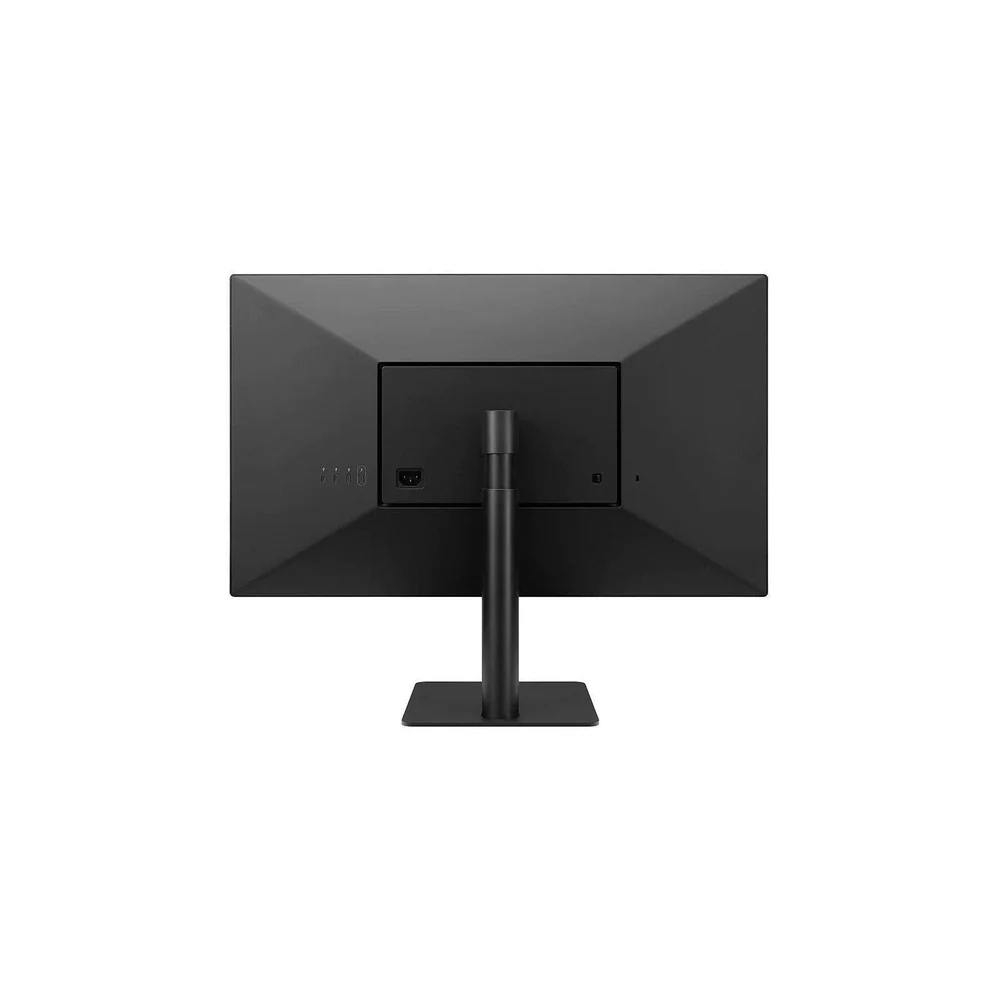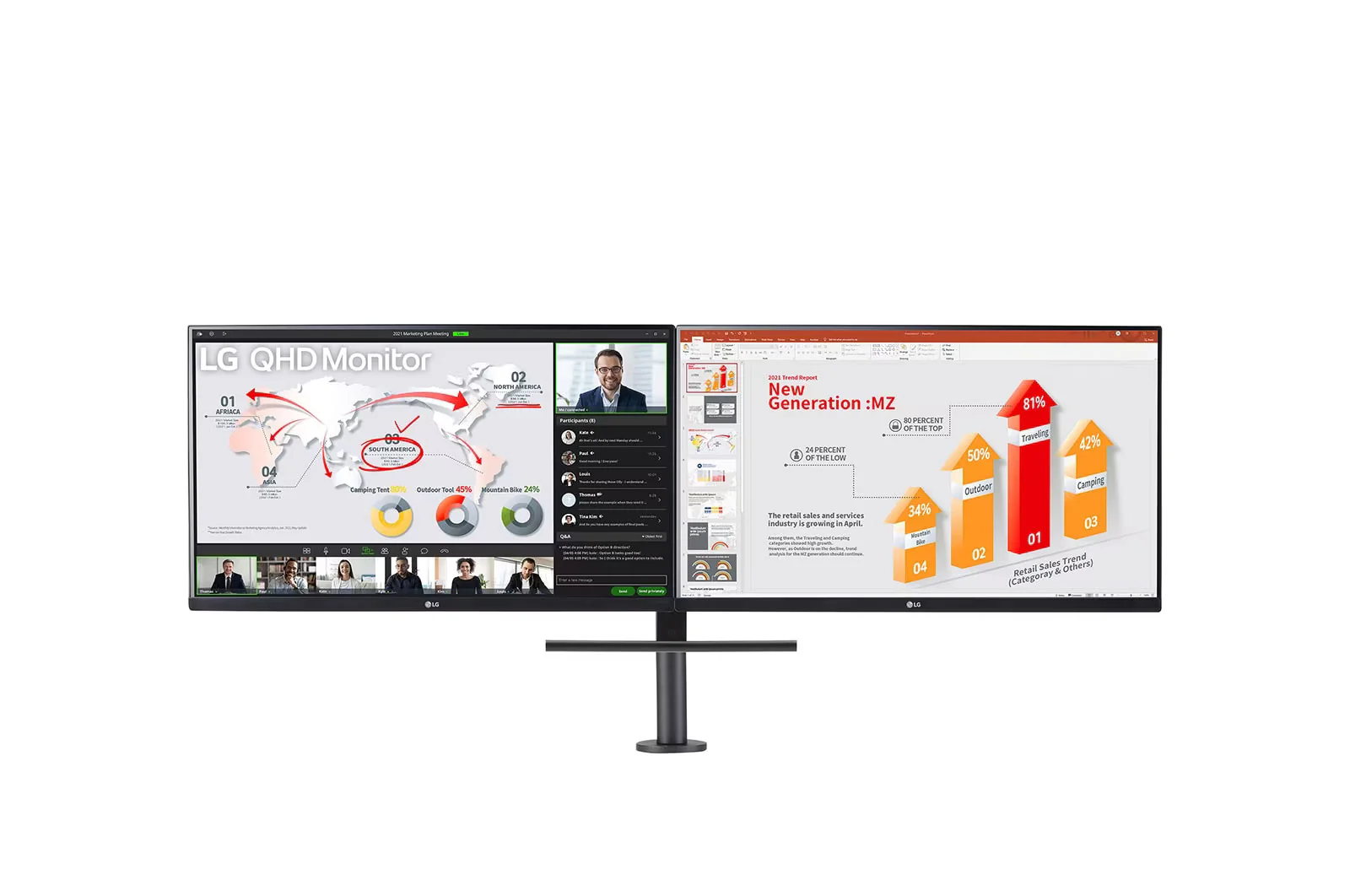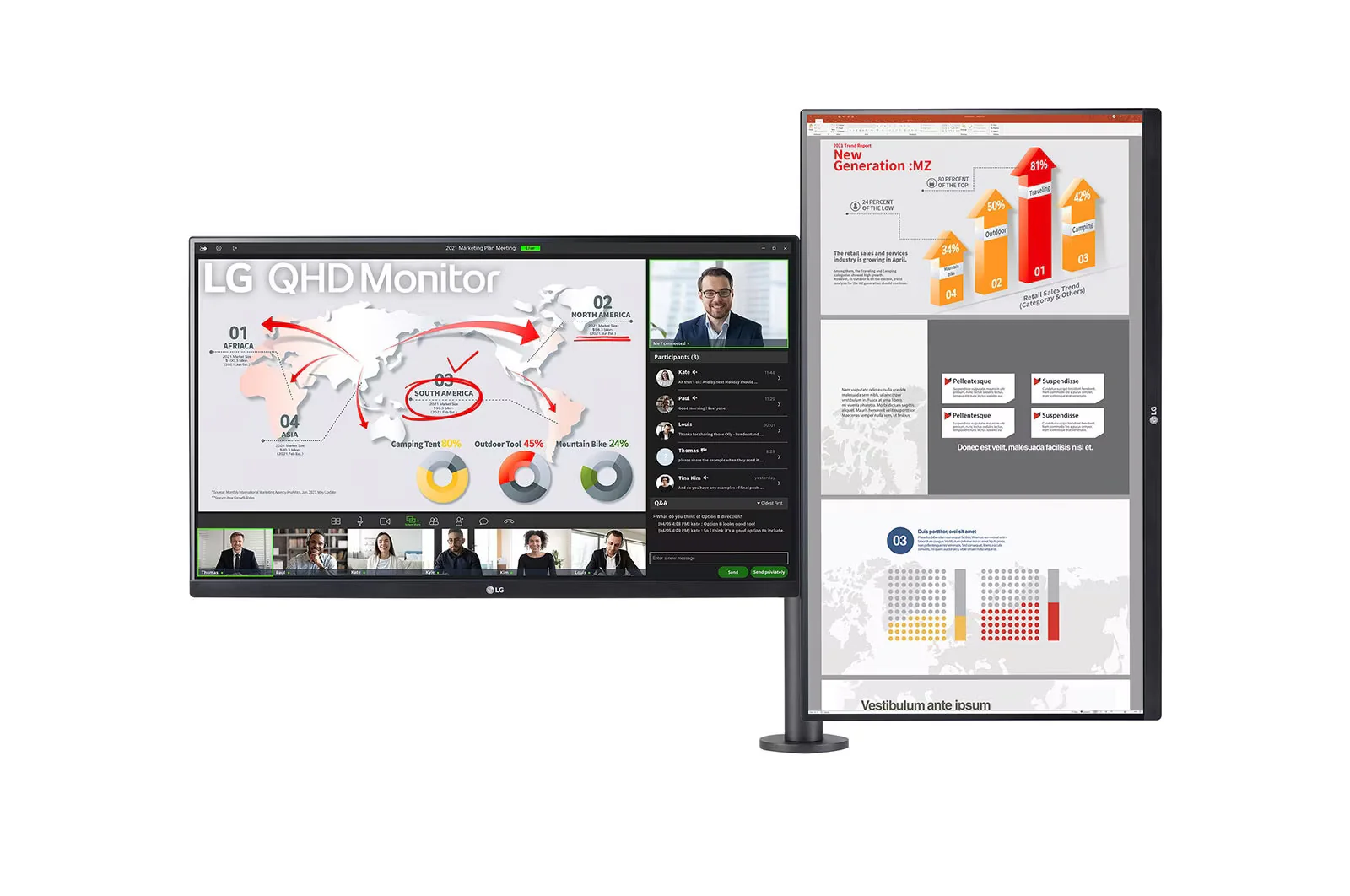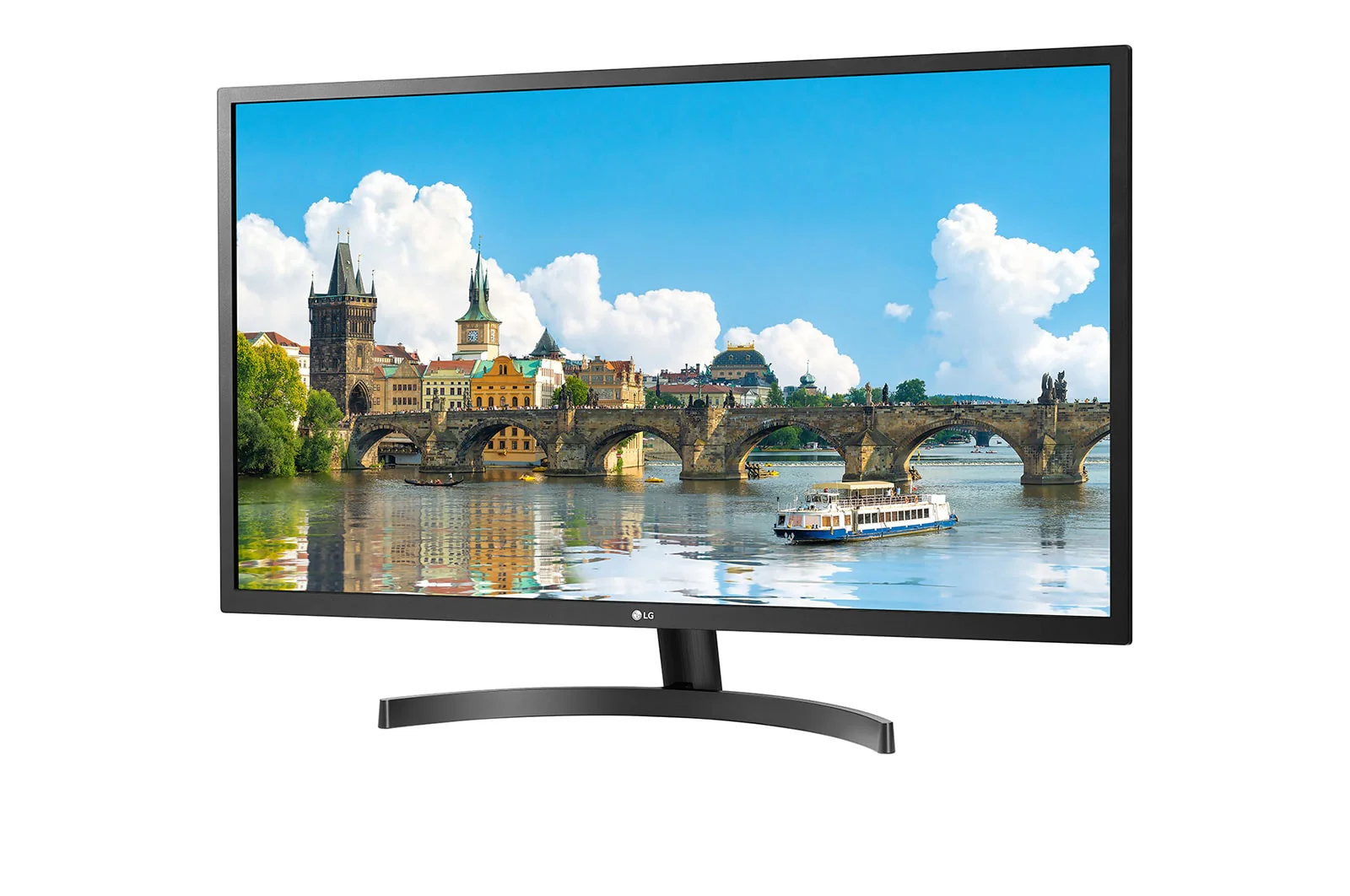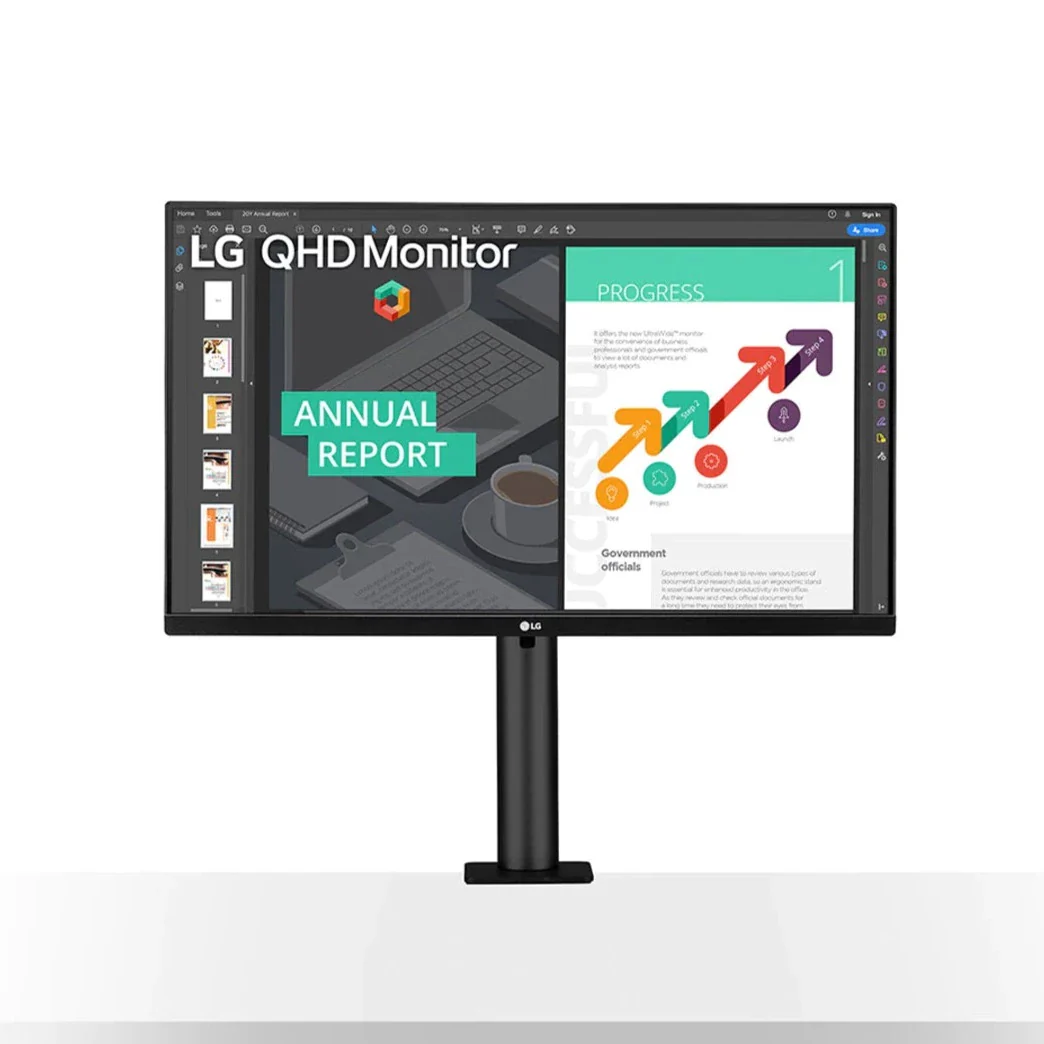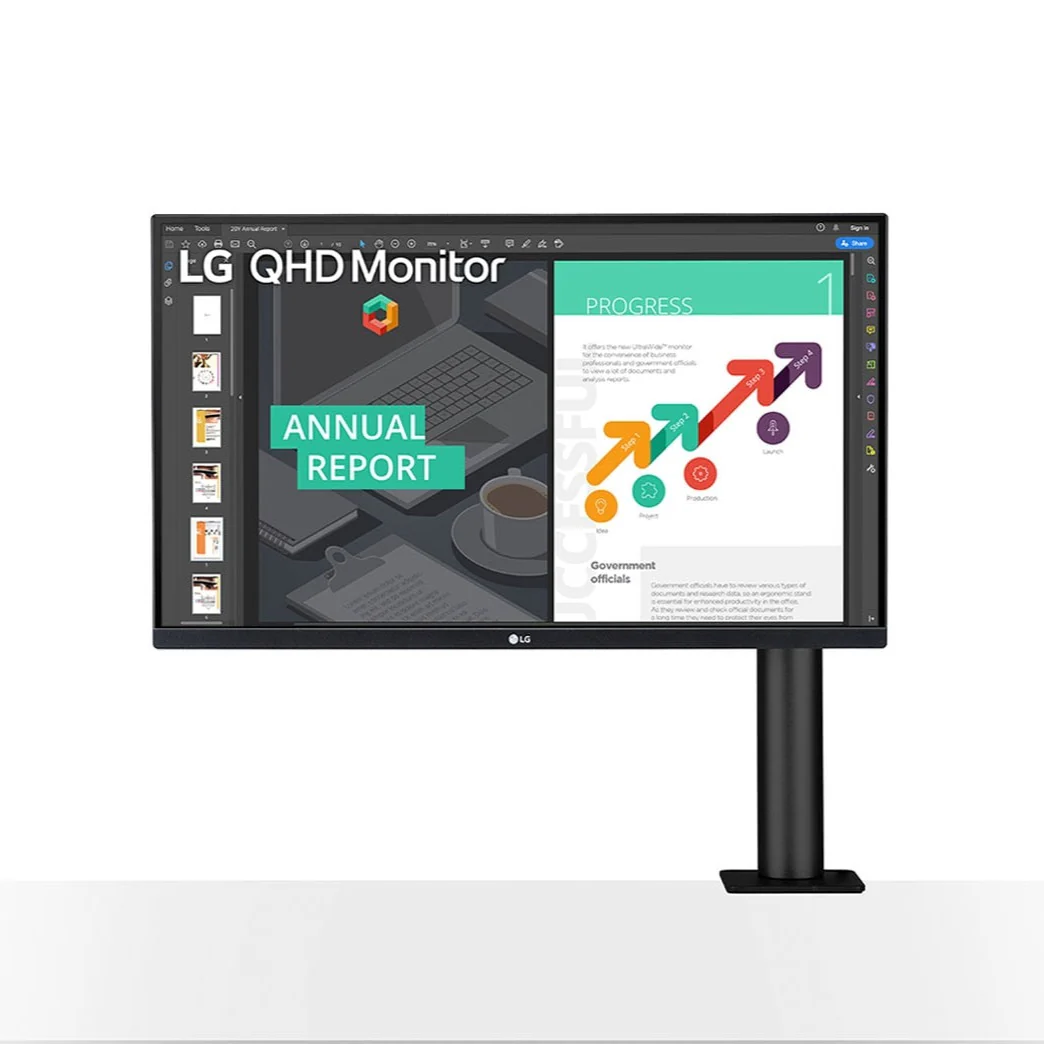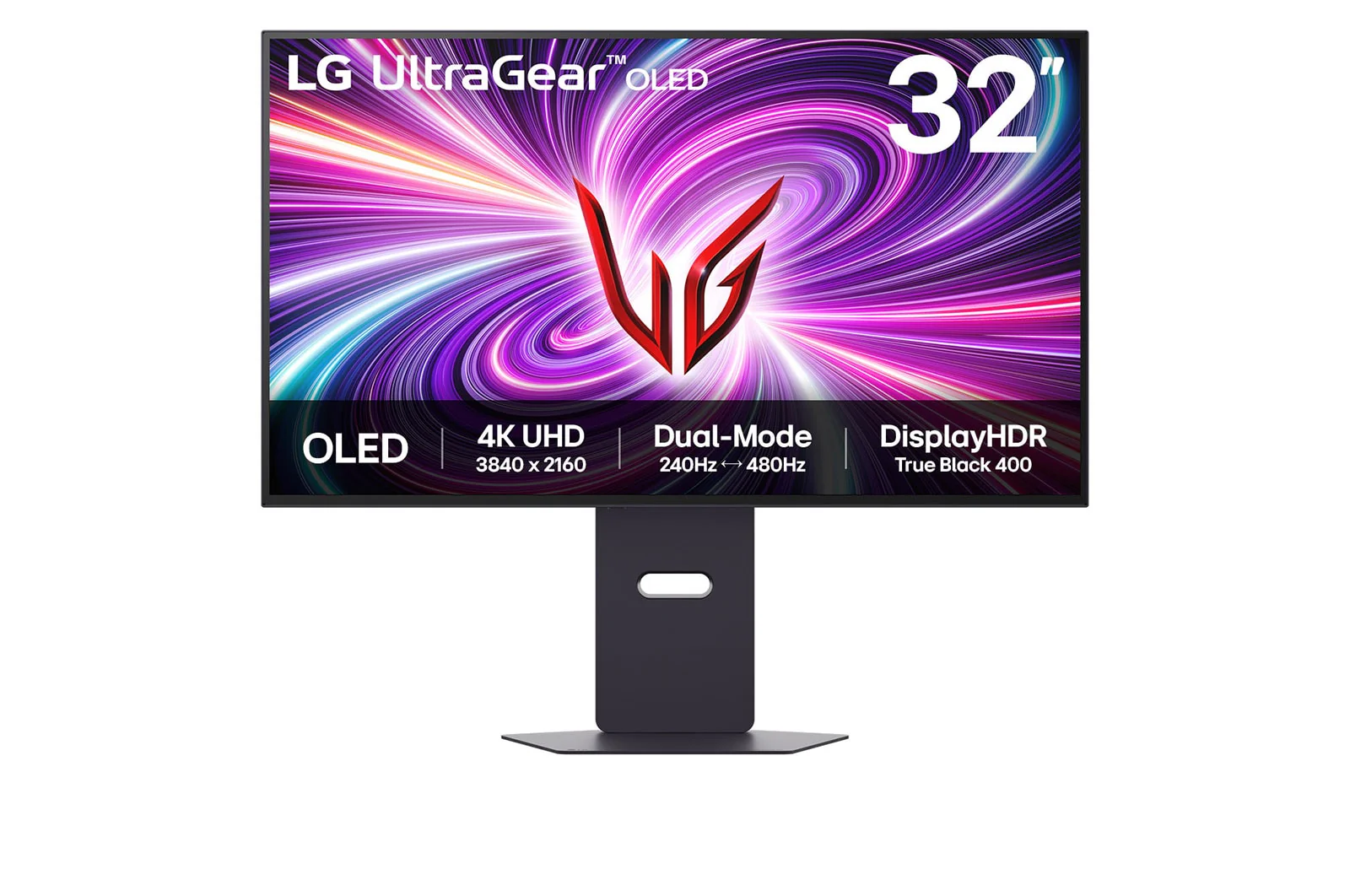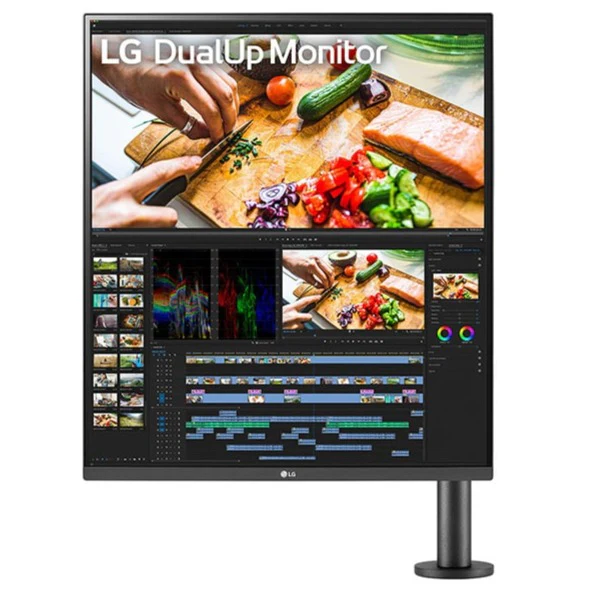



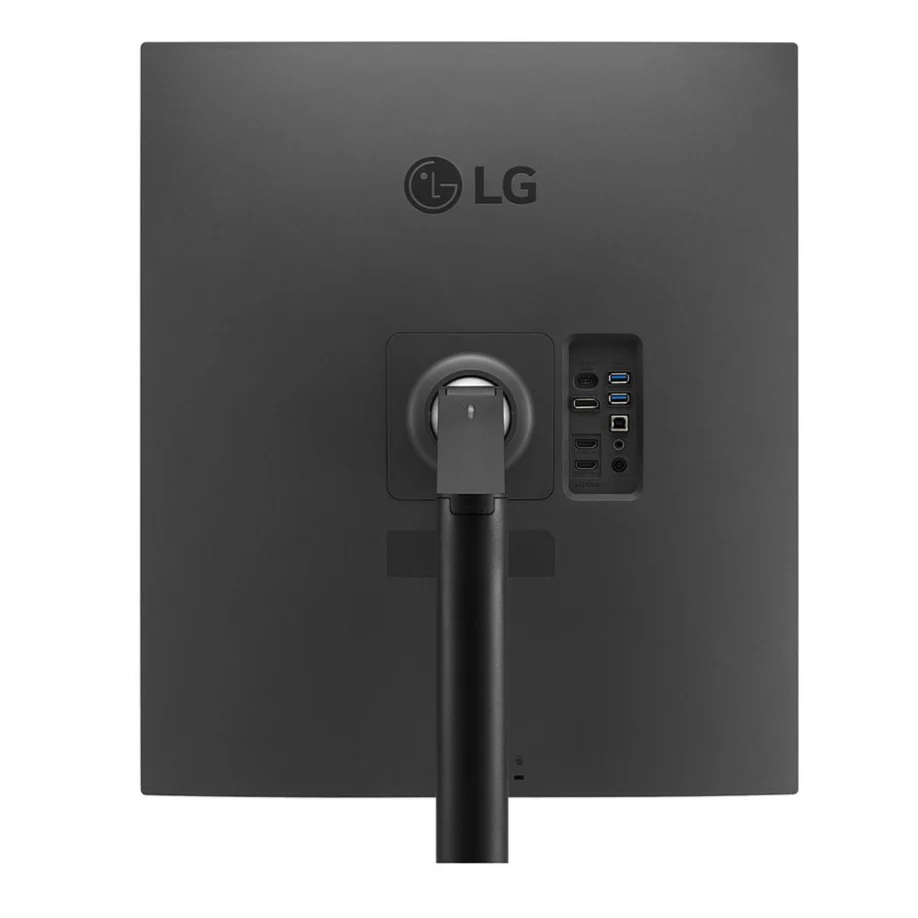
LG 28MQ780-B 28'' 16:18 DualUp Monitor with Ergo Stand and USB Type-C™
LG 28MQ780-B 28'' 16:18 DualUp Monitor with Ergo Stand and USB Type-C™
Key Features:
1) 28-inch SDQHD (2560 x 2880) Nano IPS Display
2) DCI-P3 98% (Typ.)* with HDR10
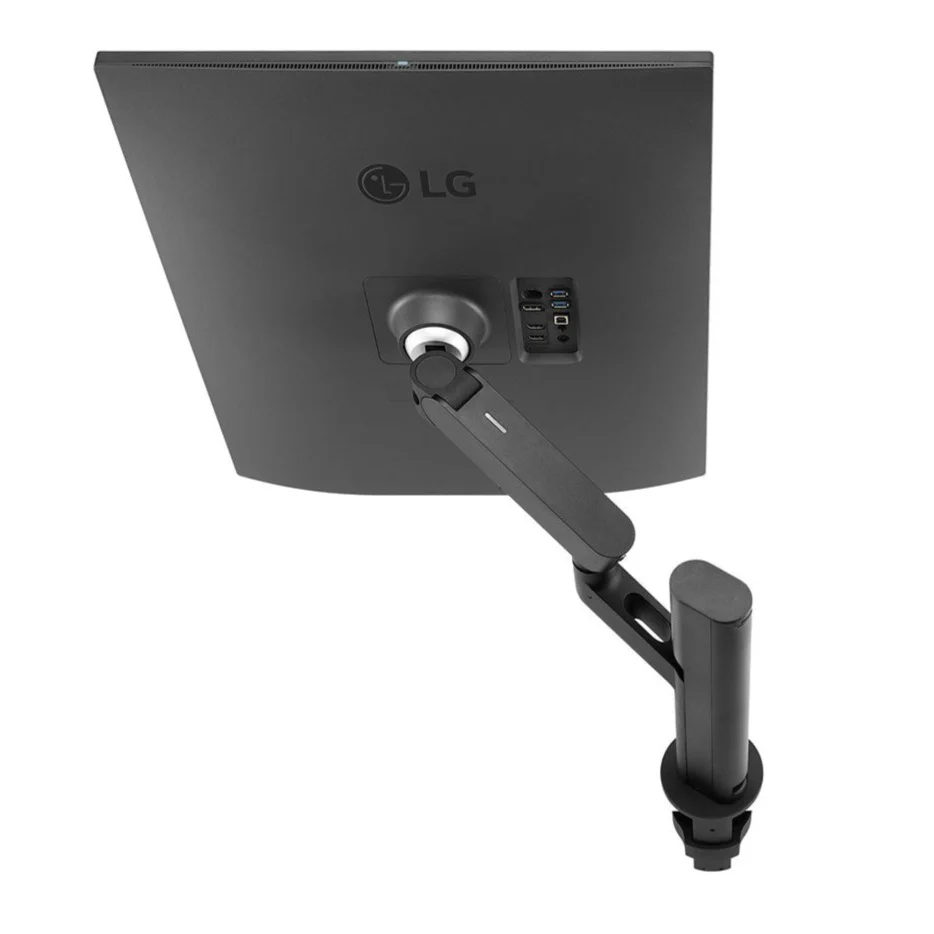
3) Ergonomic Stand with C-Clamp
4) USB Type-C™ (Up to 90W Power Delivery)
5) Ambient Light Sensor


| Stunning Image Quality | Ergonomics | User Convenience |
| SDQHD (2560 x 2880) Nano IPS | Ergonomic Stand with C-Clamp | USB Type-C™ |
| DCI-P3 98% (Typ.)** & HDR10 | Various Display Positions | Easy Installation |
Ergo Stand
Customizable Display


Feel Better, Work Better


Multiple Devices—One Cable

Additional Ways to Set Up the DualUp Monitor
Picture-by-Picture (PBP) & Built-in Keyboard, Video Monitor and Mouse (KVM)
With the PBP feature you can display content from two different computers on the monitor and use the KVM feature to manage the content with a single keyboard and mouse.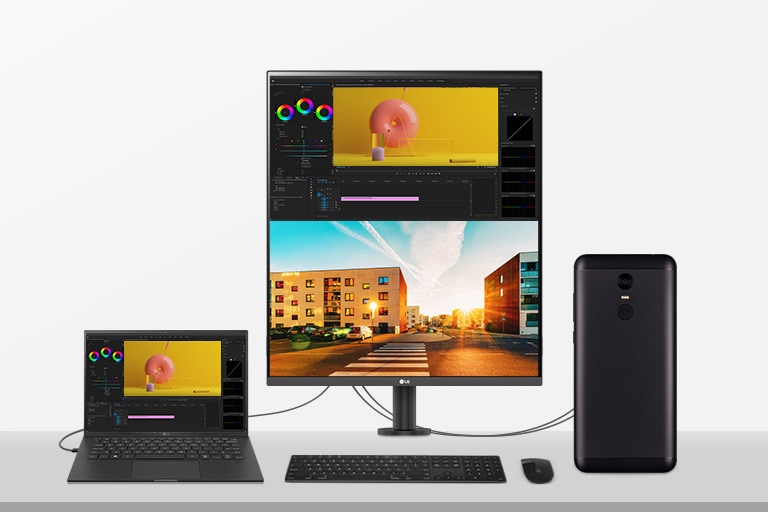
One Source Picture by Picture
By connecting your laptop to the LG DualUp monitor via the HDMI DisplayPort and USB Type C™, you can easily control both displays without using software or shortcut keys.**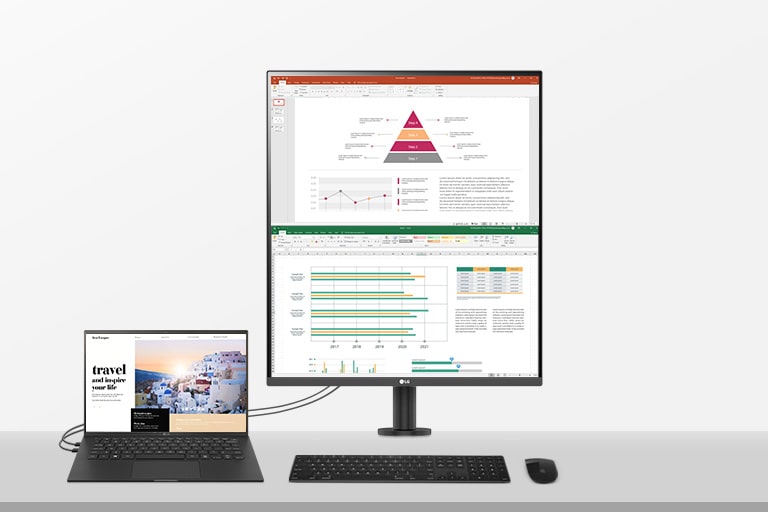

One Click Mount
C-Clamp & Grommet
Original: $639.73
-65%$639.73
$223.91Product Information
Product Information
Shipping & Returns
Shipping & Returns
Description
LG 28MQ780-B 28'' 16:18 DualUp Monitor with Ergo Stand and USB Type-C™
Key Features:
1) 28-inch SDQHD (2560 x 2880) Nano IPS Display
2) DCI-P3 98% (Typ.)* with HDR10
3) Ergonomic Stand with C-Clamp
4) USB Type-C™ (Up to 90W Power Delivery)
5) Ambient Light Sensor
| Stunning Image Quality | Ergonomics | User Convenience |
| SDQHD (2560 x 2880) Nano IPS | Ergonomic Stand with C-Clamp | USB Type-C™ |
| DCI-P3 98% (Typ.)** & HDR10 | Various Display Positions | Easy Installation |
Ergo Stand
Customizable Display
Feel Better, Work Better
Multiple Devices—One Cable
Additional Ways to Set Up the DualUp Monitor
Picture-by-Picture (PBP) & Built-in Keyboard, Video Monitor and Mouse (KVM)
With the PBP feature you can display content from two different computers on the monitor and use the KVM feature to manage the content with a single keyboard and mouse.
One Source Picture by Picture
By connecting your laptop to the LG DualUp monitor via the HDMI DisplayPort and USB Type C™, you can easily control both displays without using software or shortcut keys.**