HomeStore

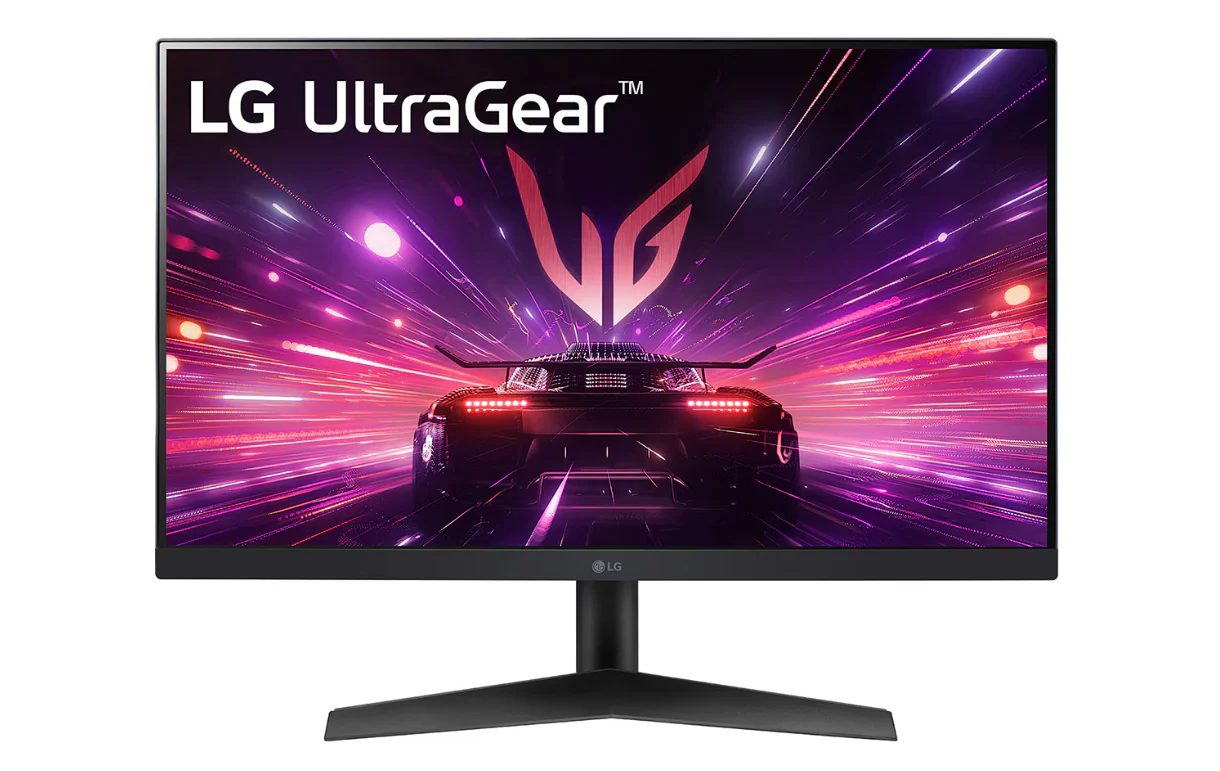
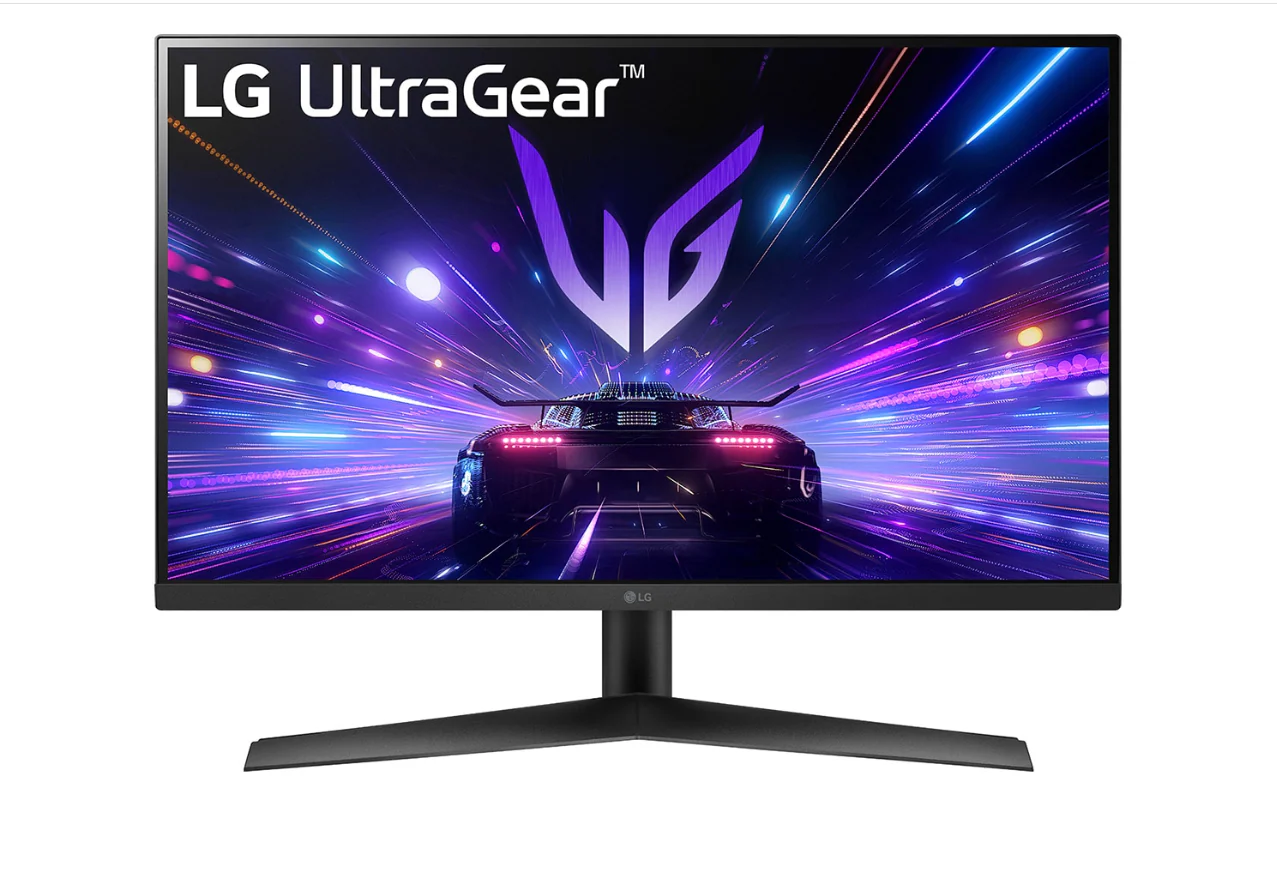
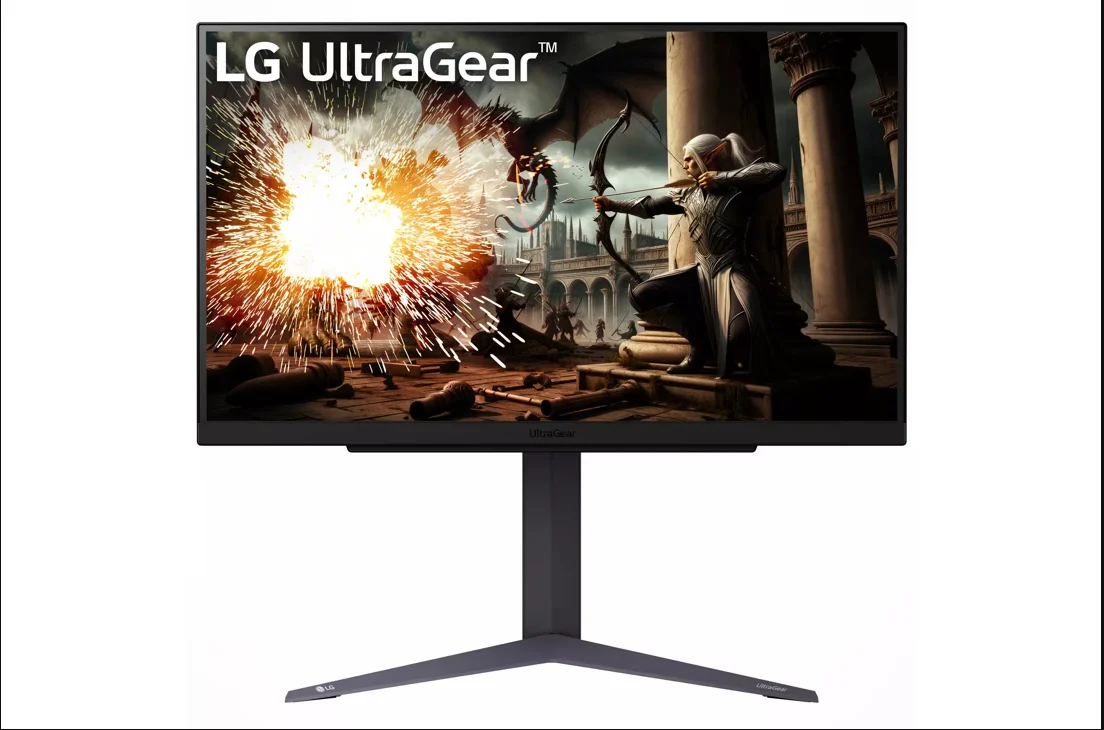
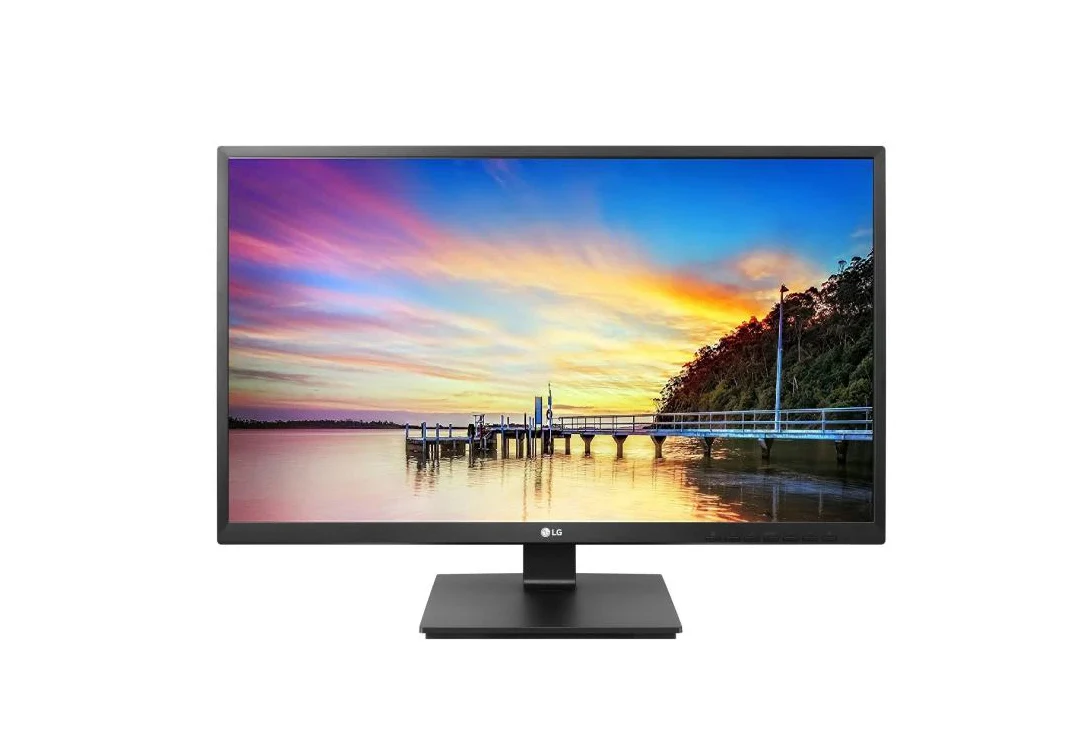
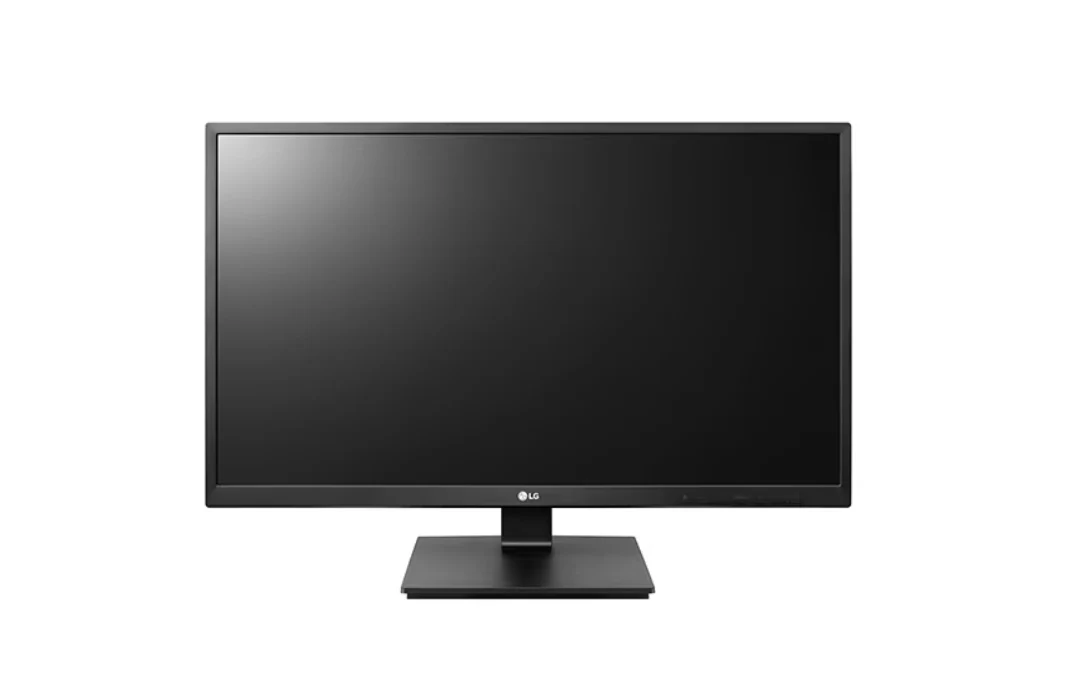
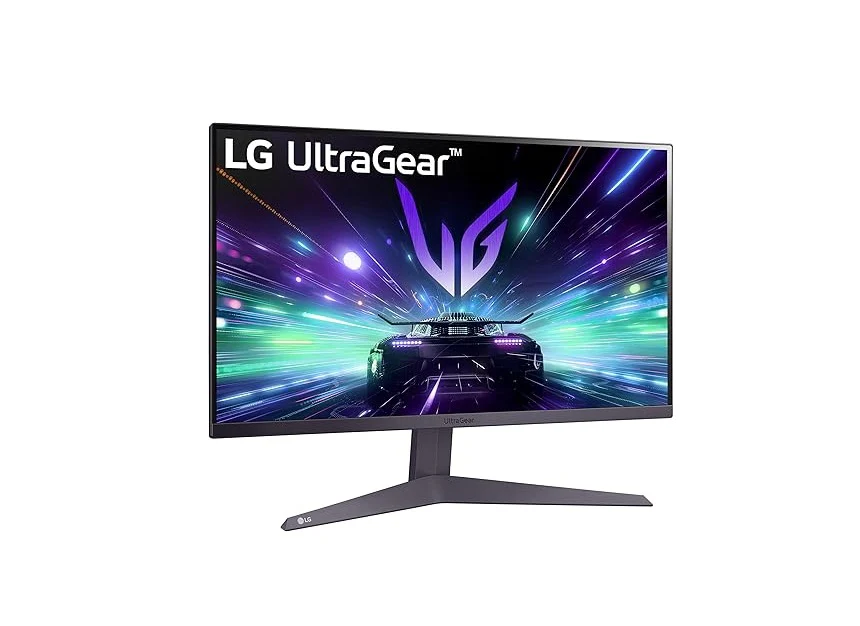
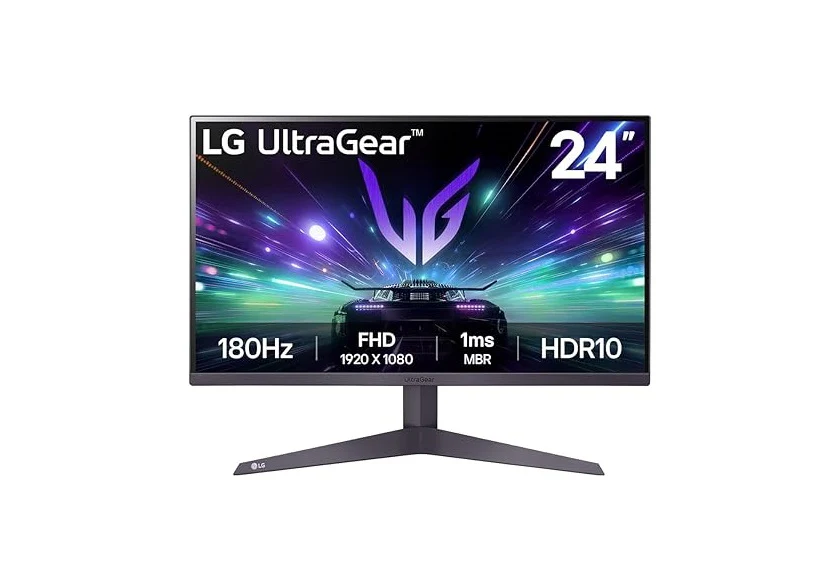
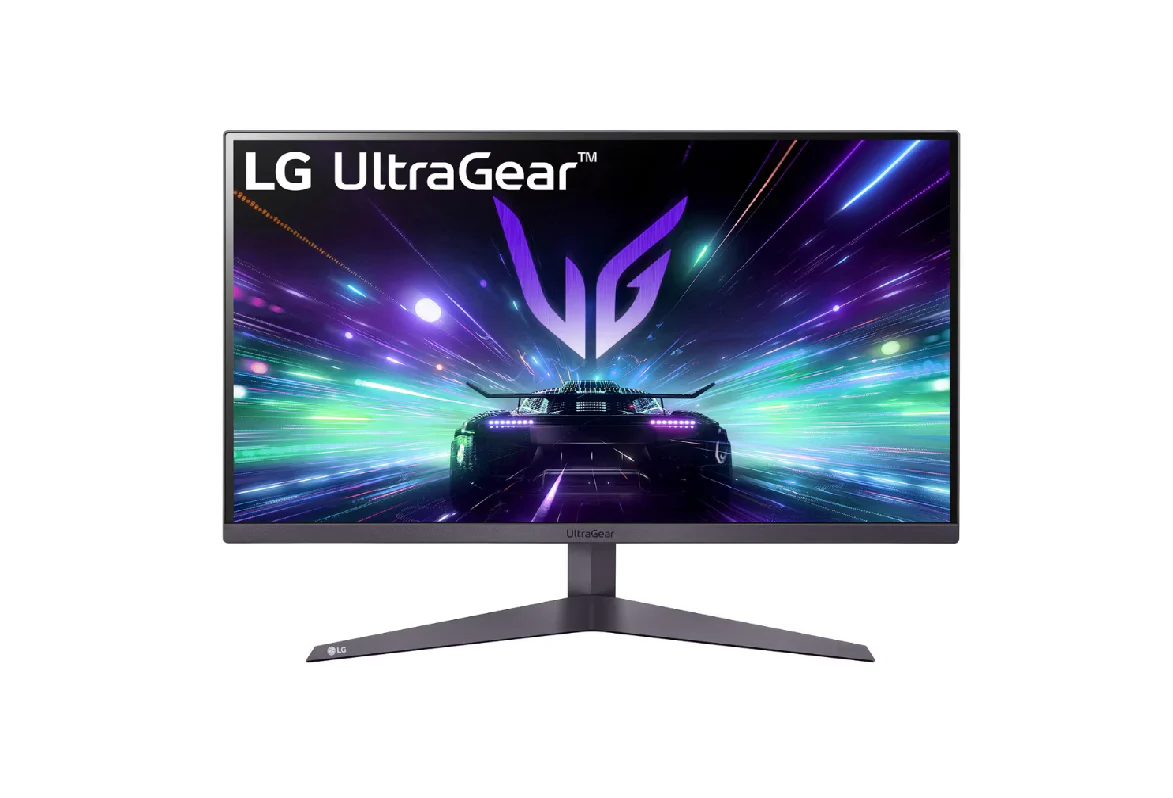
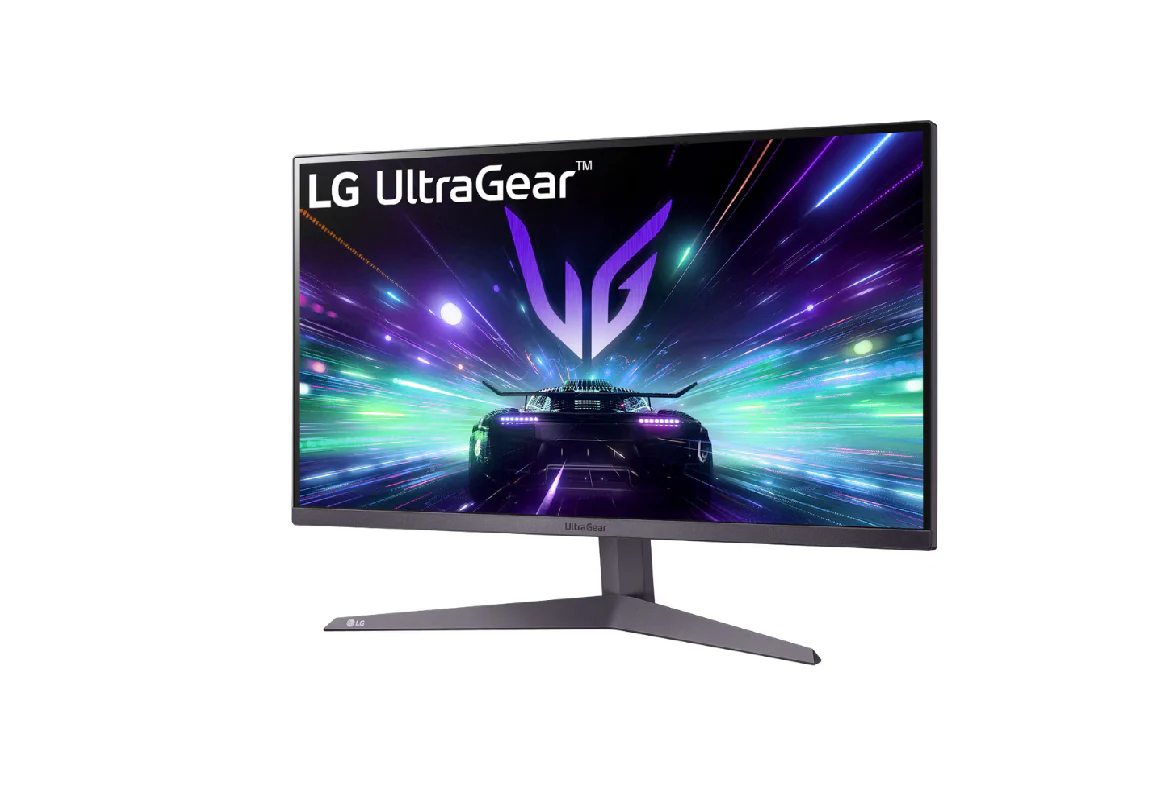
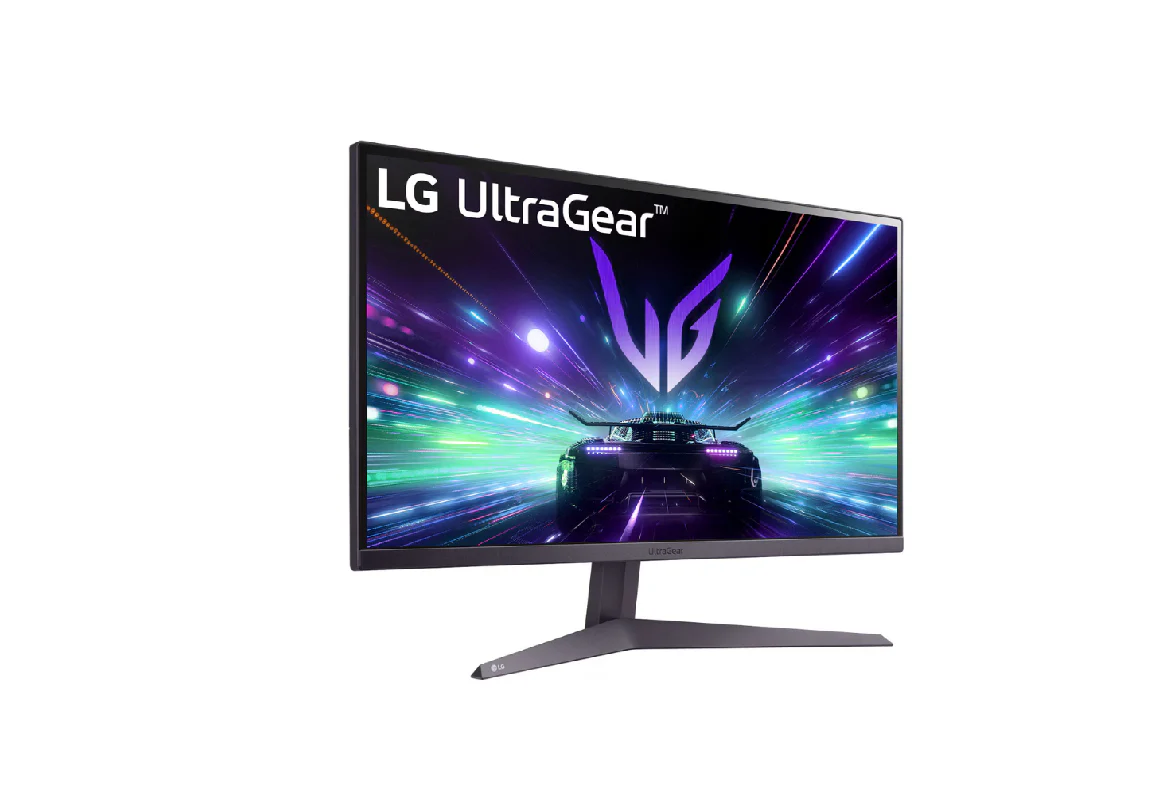
LG (27GS50F-B) 27” UltraGear™ FHD 180Hz gaming monitor , 1ms MBR, HDR 10

Product image 1
Product image 2
Product image 3
Product image 4
Product image 5
Product image 6

LG (27GS50F-B) 27” UltraGear™ FHD 180Hz gaming monitor , 1ms MBR, HDR 10

LG (27GS50F-B) 27” UltraGear™ FHD 180Hz gaming monitor | 1ms MBR, HDR10

Key Features:

  • 27" FHD (1920 x 1080) Display
  • 180Hz Refresh Rate
  • AMD FreeSync,AMD FreeSync, Black Stabilizer, Crosshair, FPS Counter, and DAS
  • OnScree
  • 3-Side Virtually Borderless Design3-Side Virtually Borderless Design
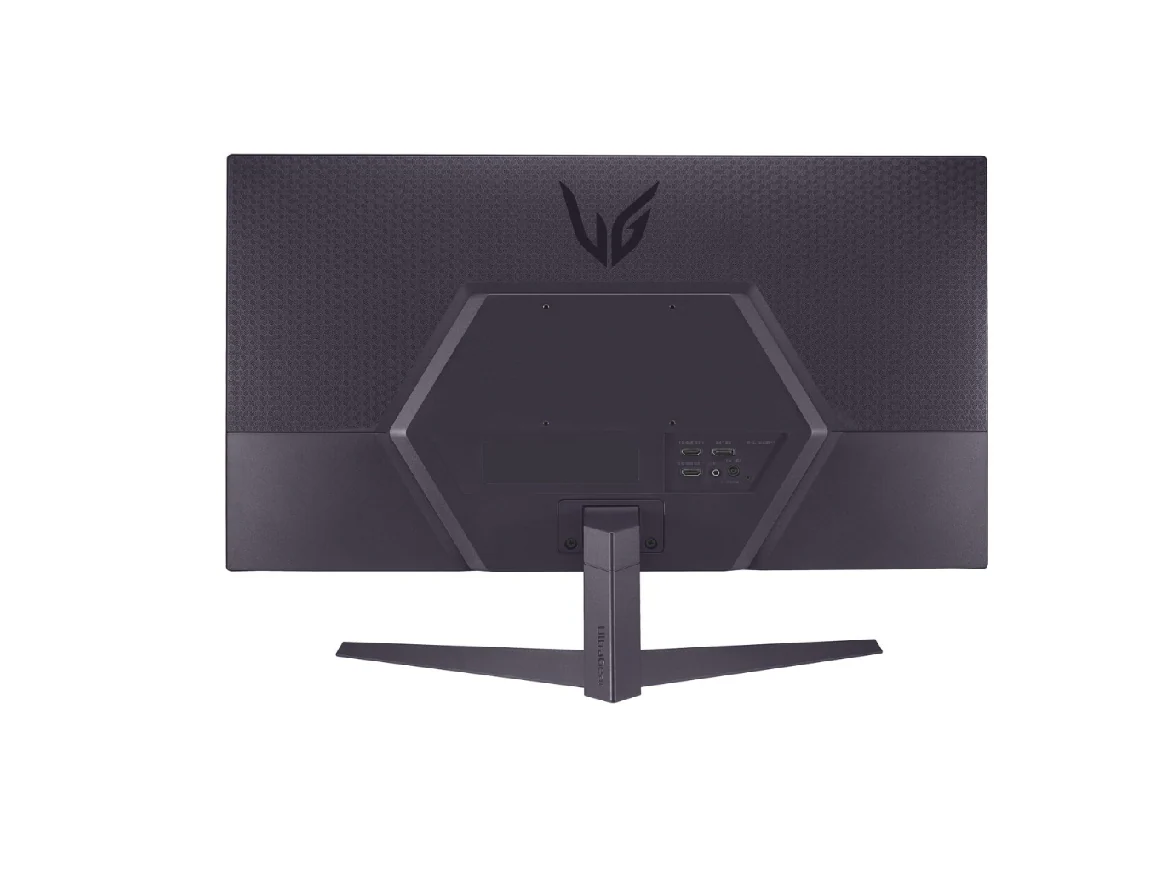
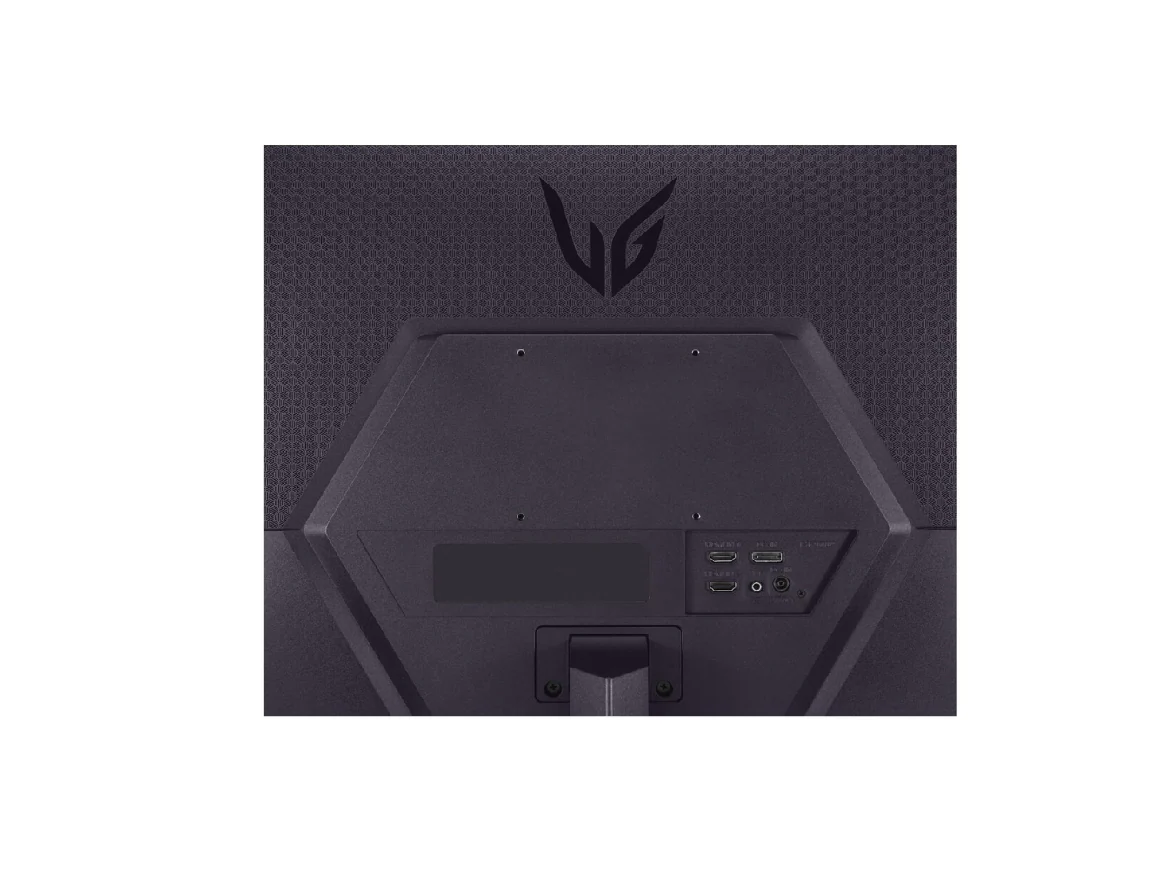
  • HDMI, DisplayPort, and H/P Out

Born to game

An image of a race car traveling at the speed of light inside an UltraGear monitor.

Start with speed.
Be on the front.

Redefine your game with on upgraded 180Hz refresh rate.


180Hz refresh rate


Upgraded speed.
New standard.

We have raised UltraGear's speed standard to 180Hz. You can enjoy ultra-clear and smooth images with a 180Hz refresh rate, which loads images 180 times in a second.

It is a comparison image of a fast-paced game with a low refresh rate and a clear image with a 180Hz high refresh rate.


Dynamic, fast-paced fighter jet imagery

HDR10

Feel actual combat with true colour

This monitor reproduces high-fidelity colours with HDR 10, allowing gamers to see the dramatic colours that the game developers intended regardless of the battlefield.

An image of an astronaut on a monitor with three-dimensional, dynamic colors.


Clearer, smoother, and faster car images

Designed for gamer

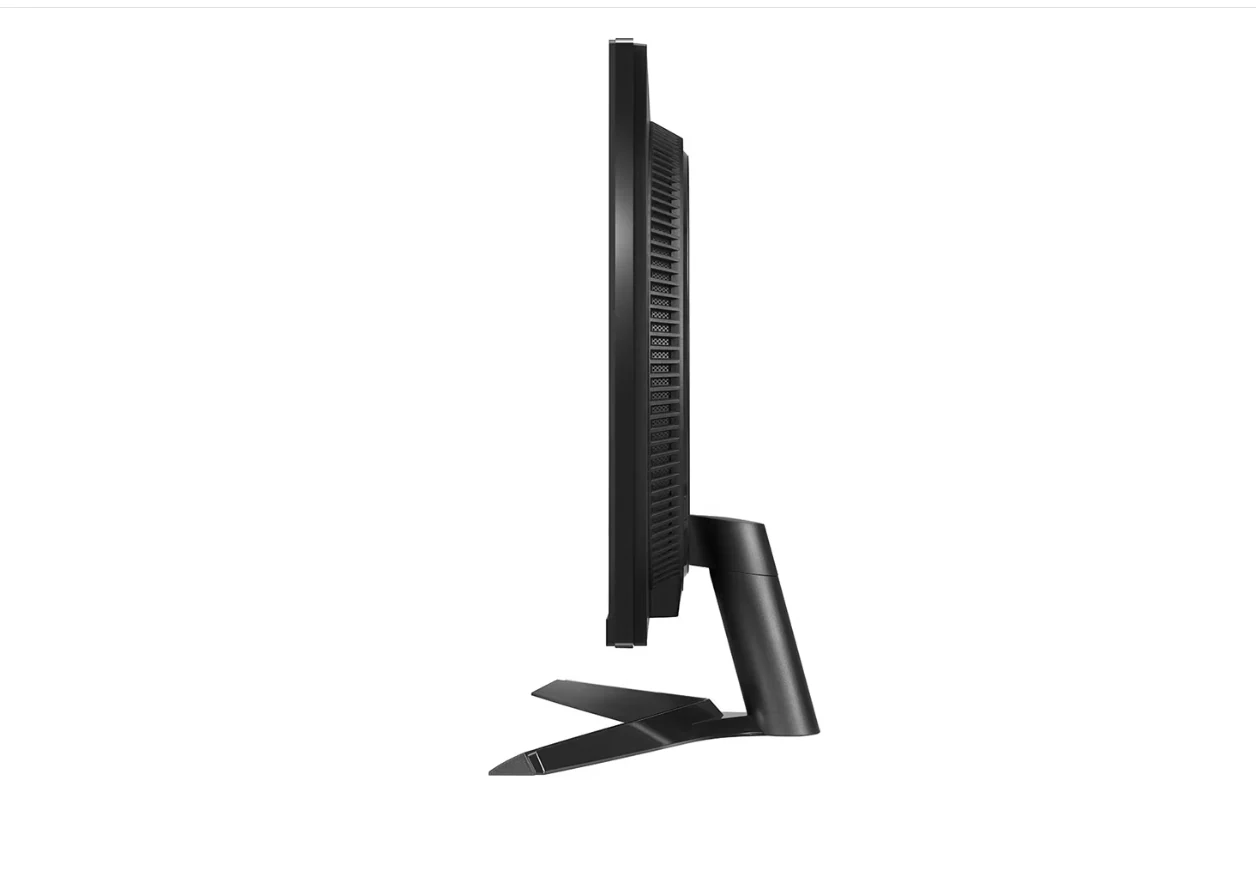
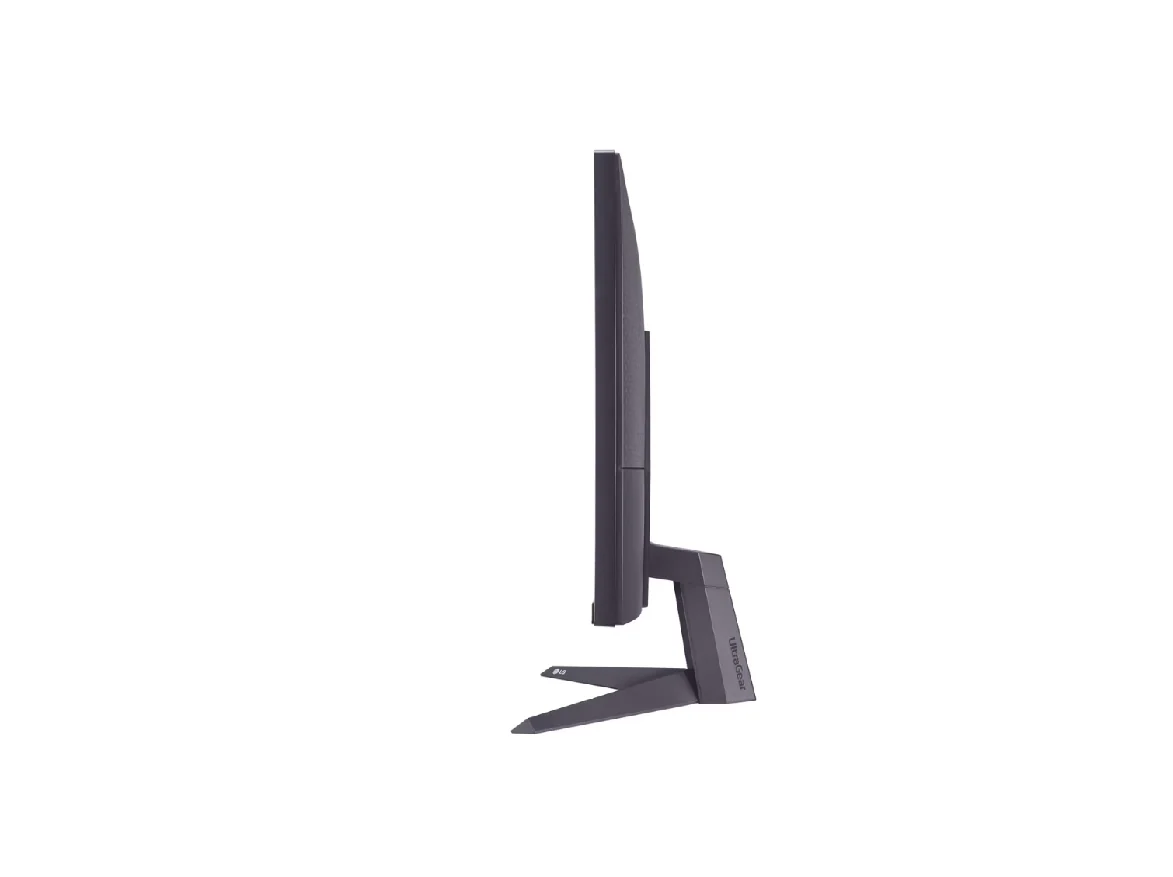
Enhance your gaming experience with a 3-side virtually borderless design for an immersive view and tilt adjustable base to help you play the game more comfortably.


Borderless design monitor icon.

Borderless design


Tilt adjustable icon.

Tilt


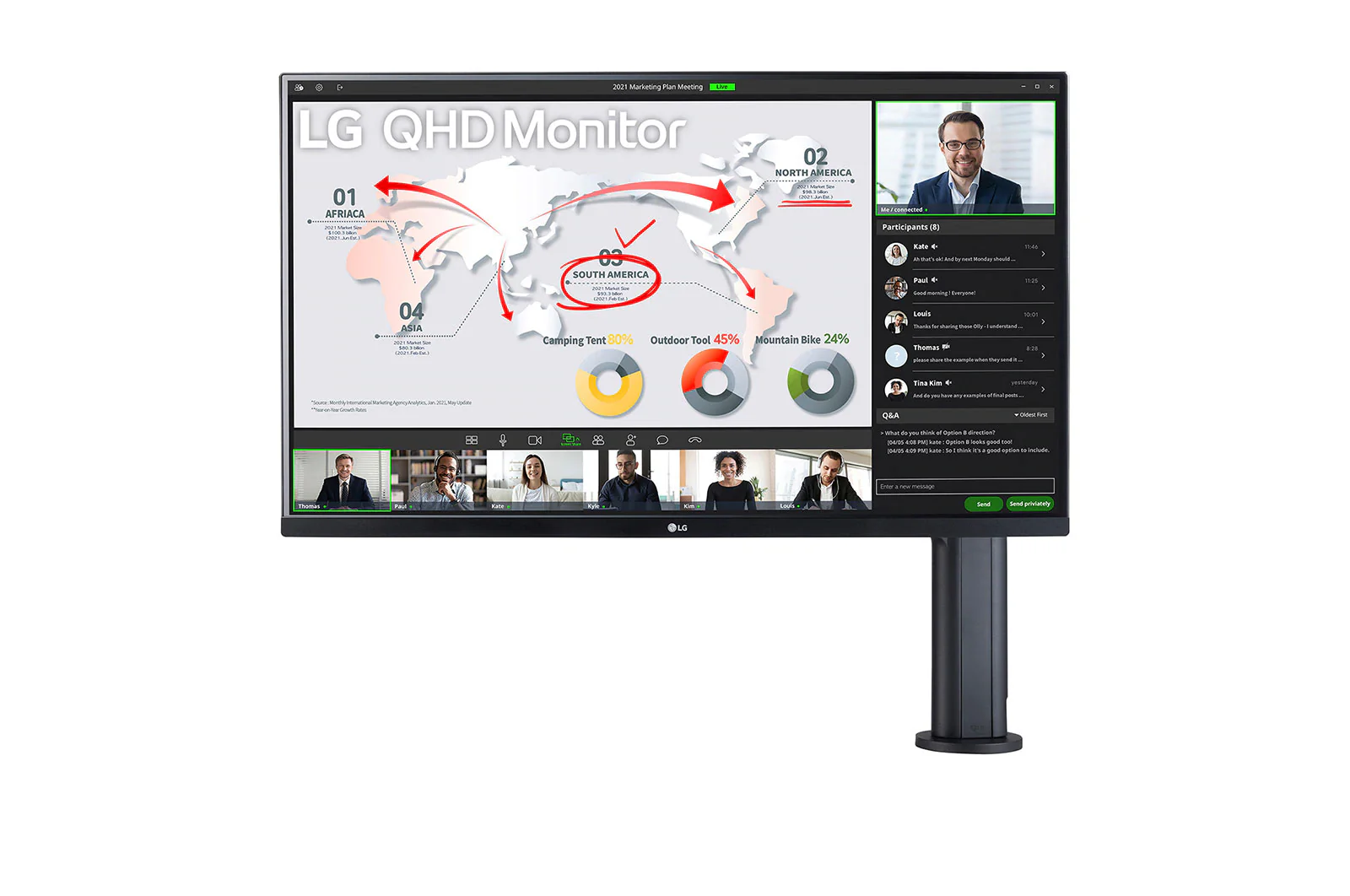
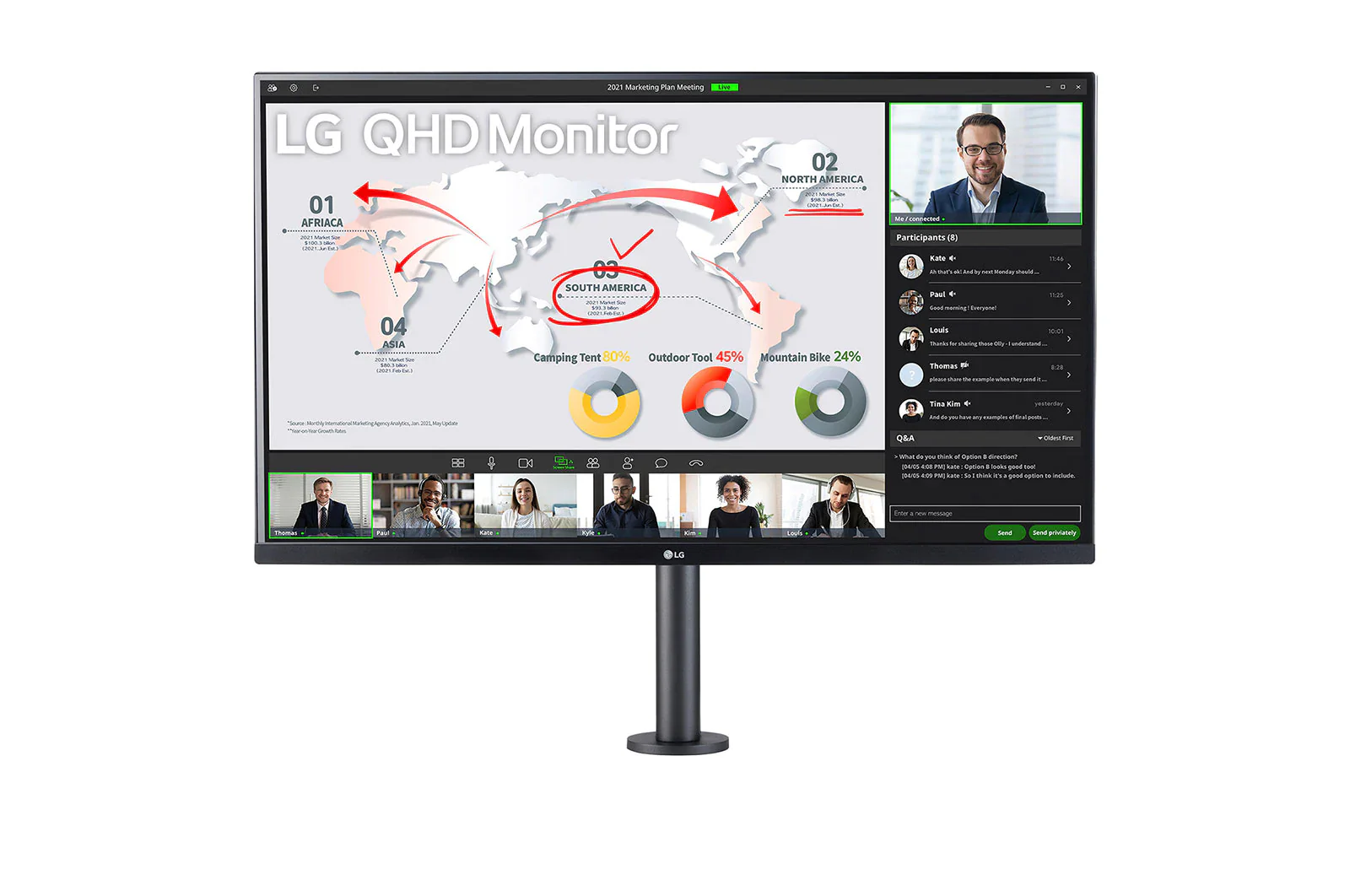
Two monitor images showing the front and back of the monitor.

  • HDMI icon.

    HDMI

    DisplayPort icon.

    DisplayPort


Gaming GUI

Match up with your gaming style

Gamers can use On-Screen Display and OnScreen Control to easily customize the setting from adjusting basic monitor options to registering ‘User Defined Key’ that user can set the shortcut.

Graphical User Interface (GUI) image of UltraGear monitor.

$73.64

Original: $210.40

-65%
LG (27GS50F-B) 27” UltraGear™ FHD 180Hz gaming monitor , 1ms MBR, HDR 10

$210.40

$73.64

Product Information

Shipping & Returns

Description

LG (27GS50F-B) 27” UltraGear™ FHD 180Hz gaming monitor | 1ms MBR, HDR10

Key Features:

  • 27" FHD (1920 x 1080) Display
  • 180Hz Refresh Rate
  • AMD FreeSync,AMD FreeSync, Black Stabilizer, Crosshair, FPS Counter, and DAS
  • OnScree
  • 3-Side Virtually Borderless Design3-Side Virtually Borderless Design
  • HDMI, DisplayPort, and H/P Out

Born to game

An image of a race car traveling at the speed of light inside an UltraGear monitor.

Start with speed.
Be on the front.

Redefine your game with on upgraded 180Hz refresh rate.


180Hz refresh rate


Upgraded speed.
New standard.

We have raised UltraGear's speed standard to 180Hz. You can enjoy ultra-clear and smooth images with a 180Hz refresh rate, which loads images 180 times in a second.

It is a comparison image of a fast-paced game with a low refresh rate and a clear image with a 180Hz high refresh rate.


Dynamic, fast-paced fighter jet imagery

HDR10

Feel actual combat with true colour

This monitor reproduces high-fidelity colours with HDR 10, allowing gamers to see the dramatic colours that the game developers intended regardless of the battlefield.

An image of an astronaut on a monitor with three-dimensional, dynamic colors.


Clearer, smoother, and faster car images

Designed for gamer

Enhance your gaming experience with a 3-side virtually borderless design for an immersive view and tilt adjustable base to help you play the game more comfortably.


Borderless design monitor icon.

Borderless design


Tilt adjustable icon.

Tilt


Two monitor images showing the front and back of the monitor.

  • HDMI icon.

    HDMI

    DisplayPort icon.

    DisplayPort


Gaming GUI

Match up with your gaming style

Gamers can use On-Screen Display and OnScreen Control to easily customize the setting from adjusting basic monitor options to registering ‘User Defined Key’ that user can set the shortcut.
Graphical User Interface (GUI) image of UltraGear monitor.