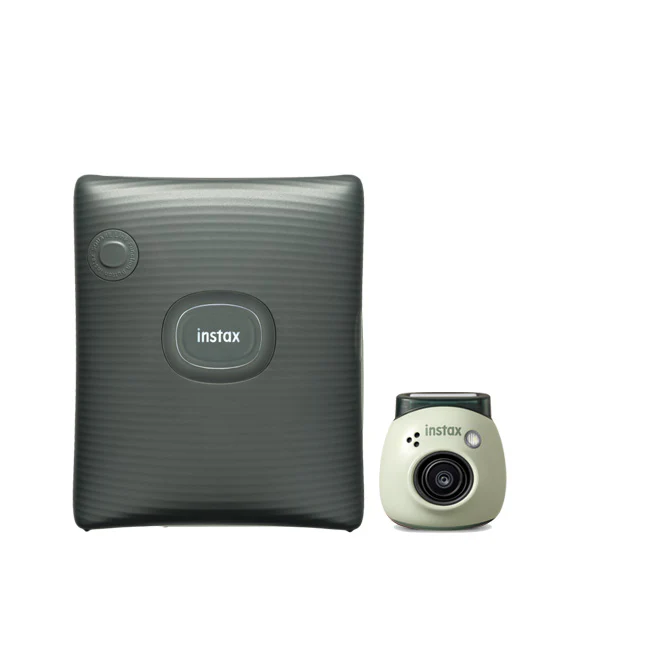

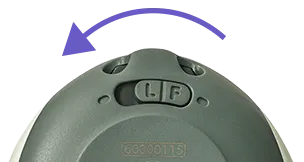
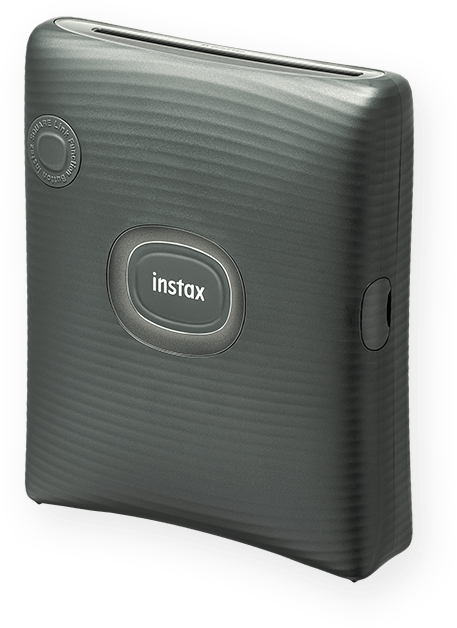
Fujifilm Instax Square Link Smartphone Printer (Green) + Instax Mini Pal Camera (Green) Gift🎁
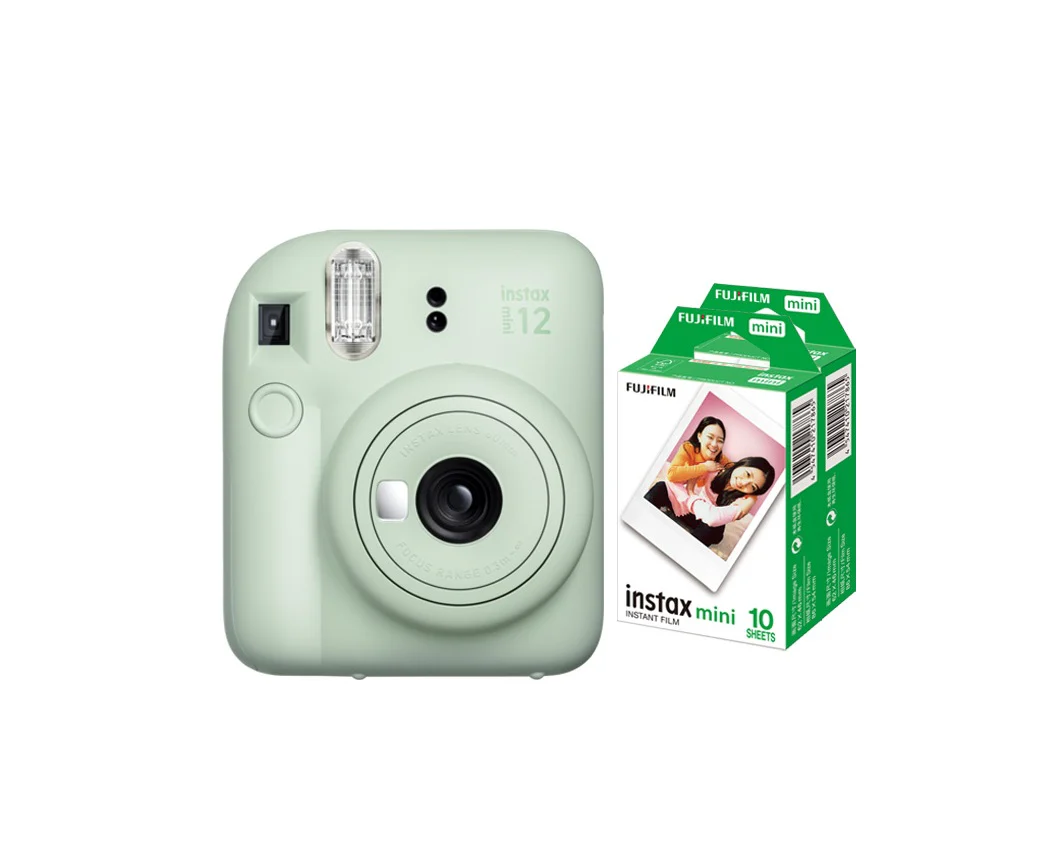
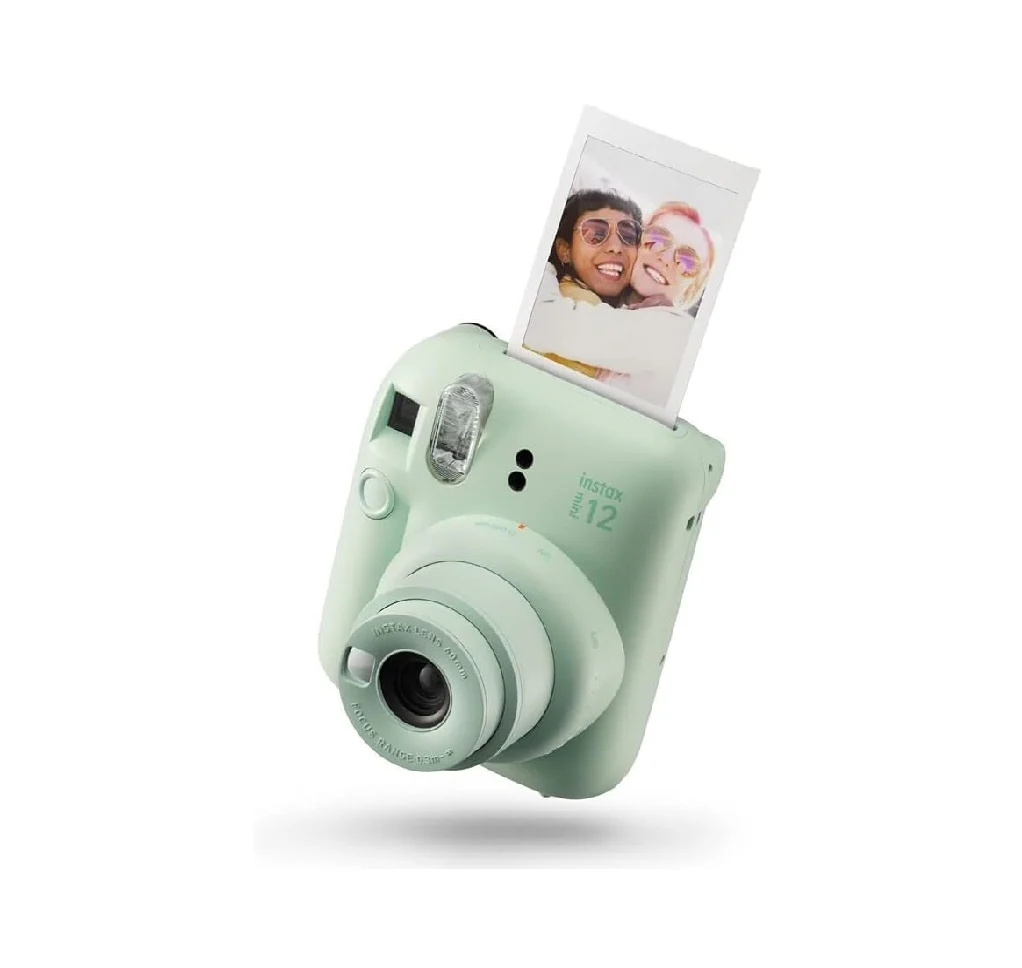
Fujifilm Instax Square Link Smartphone Printer (Green) + Instax Mini Pal Camera (Green) Gift🎁
✨ Key Features :
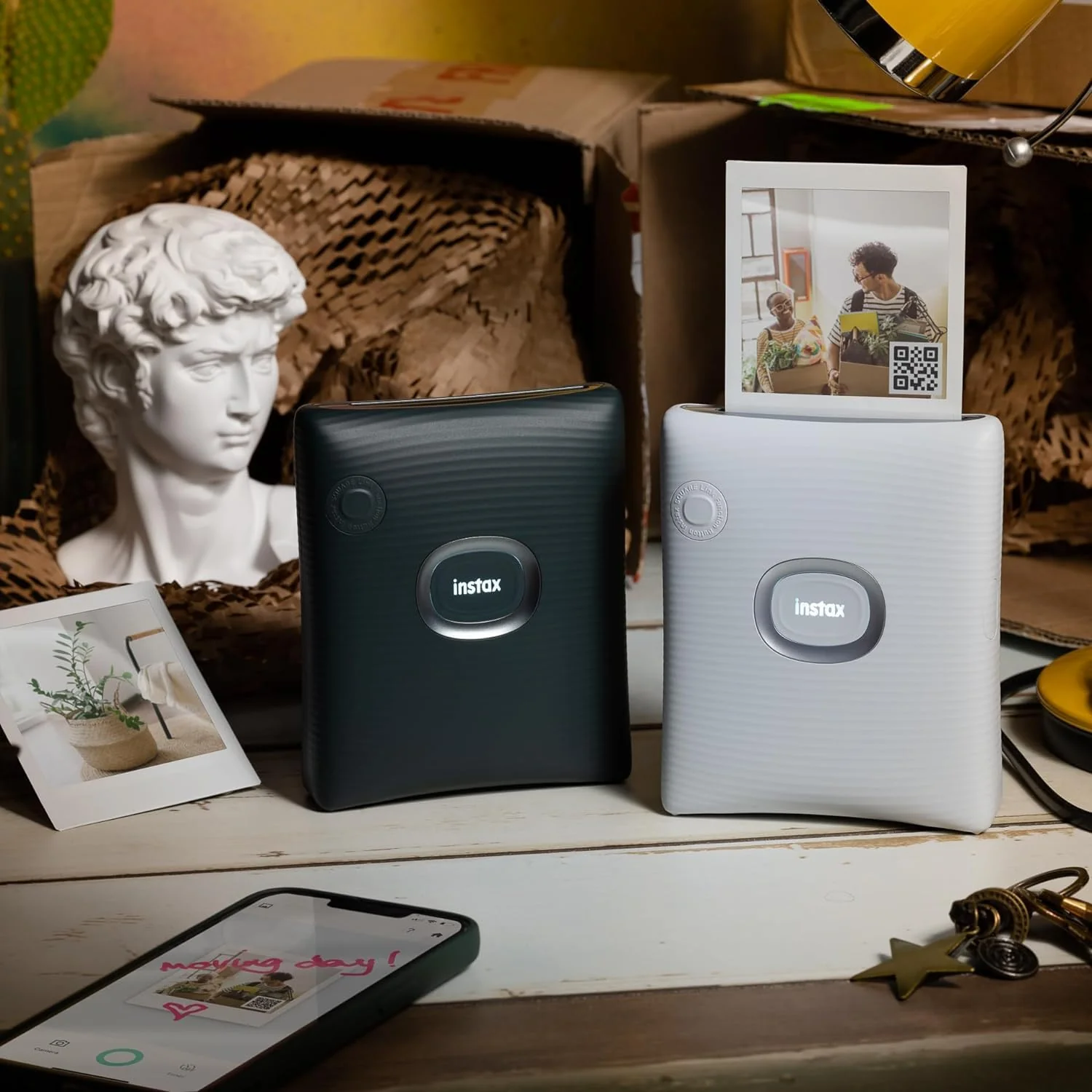
🎨 Personalize your prints with AR effects
Add fun and creative AR effects to make every print unique.
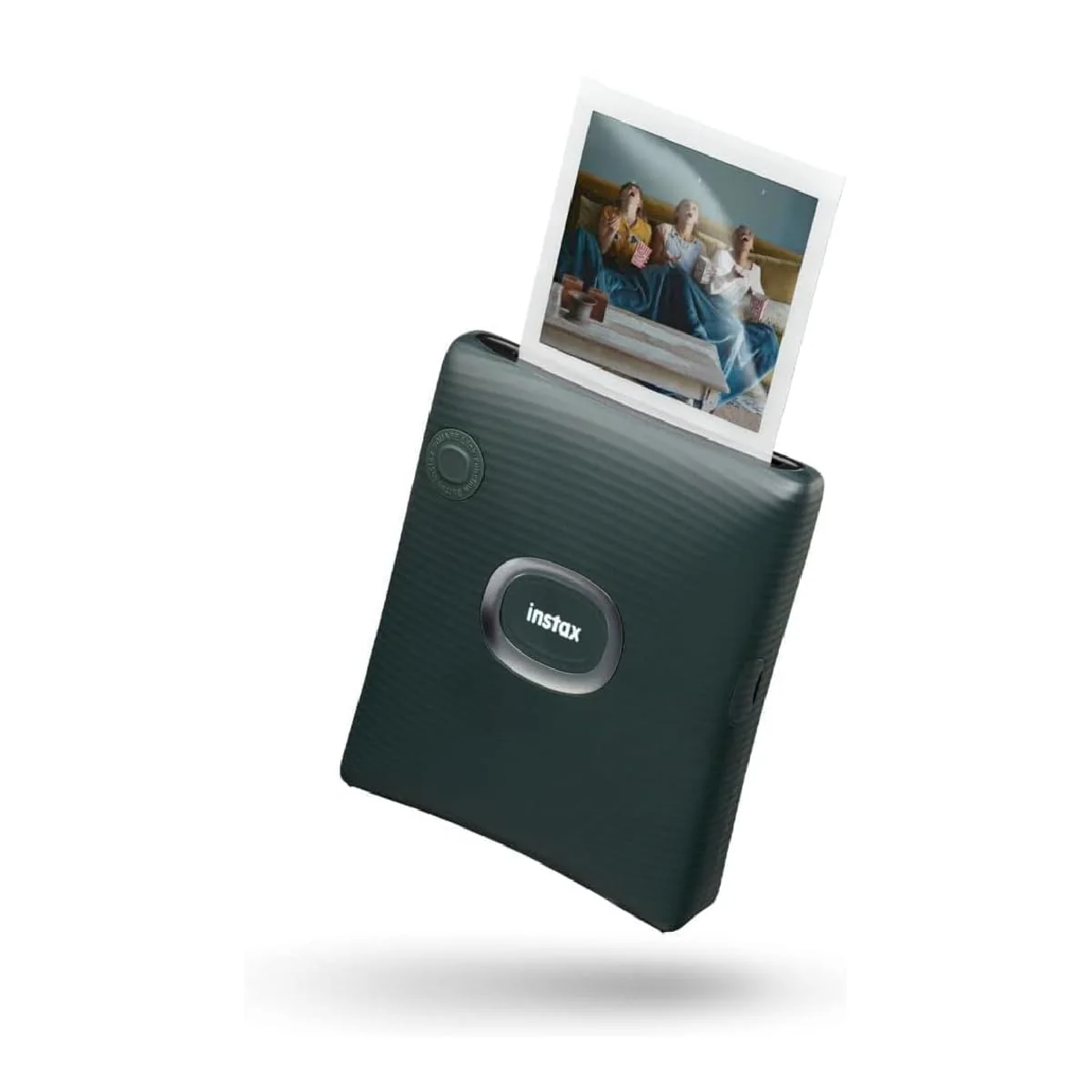
⚡ Easy, speedy printing
Fast and smooth printing whenever inspiration strikes.
💌 Enjoy prints with messages, even from far away
Send and receive photos with messages no matter the distance.
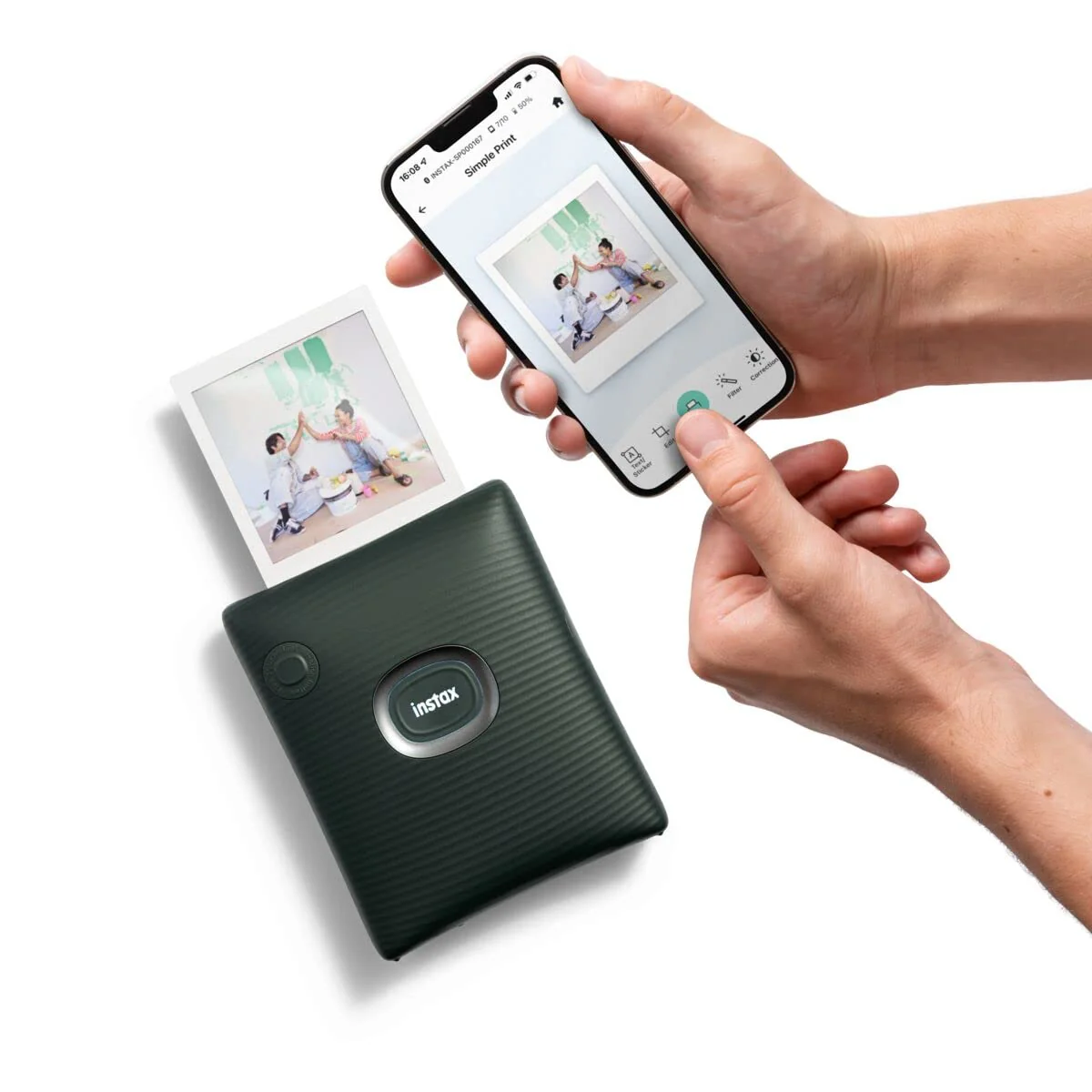
📲 Easy & Continuous High-Speed Printing
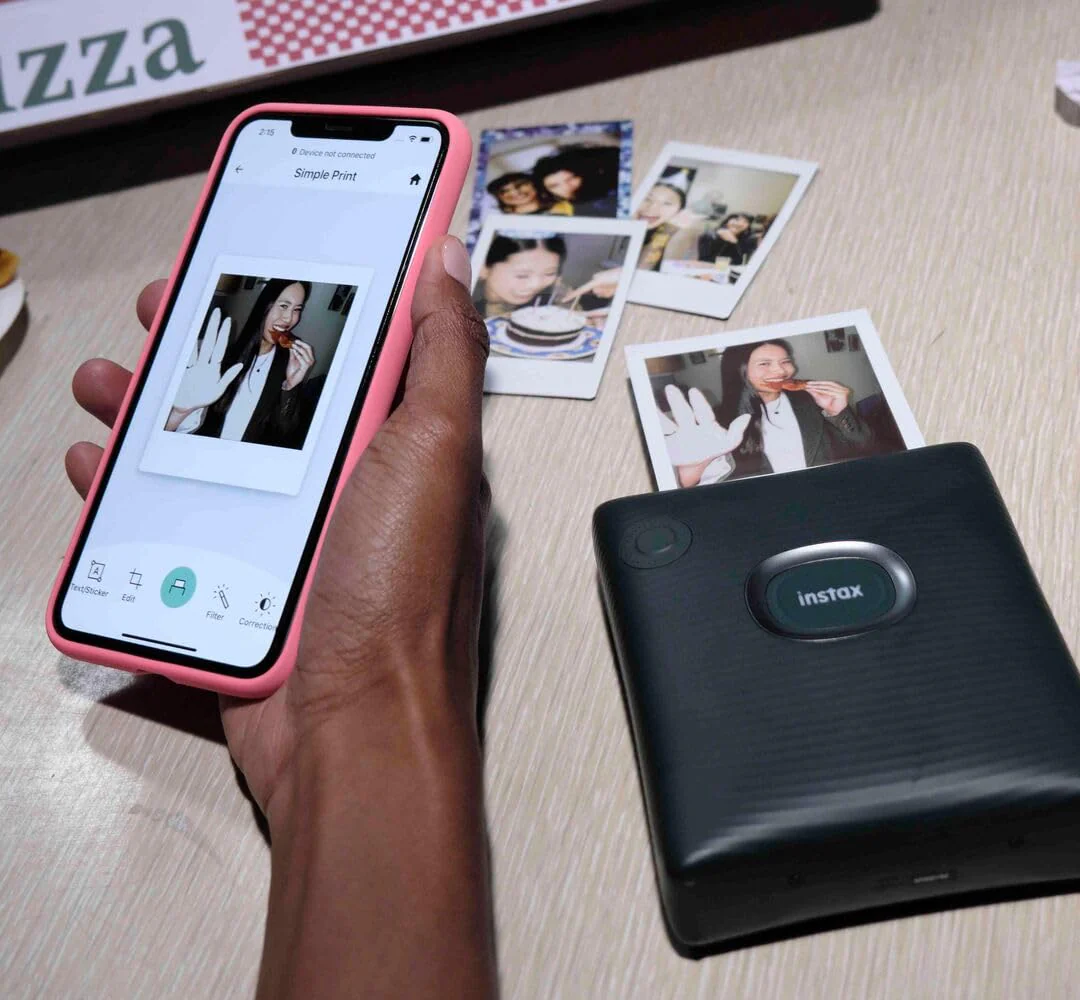
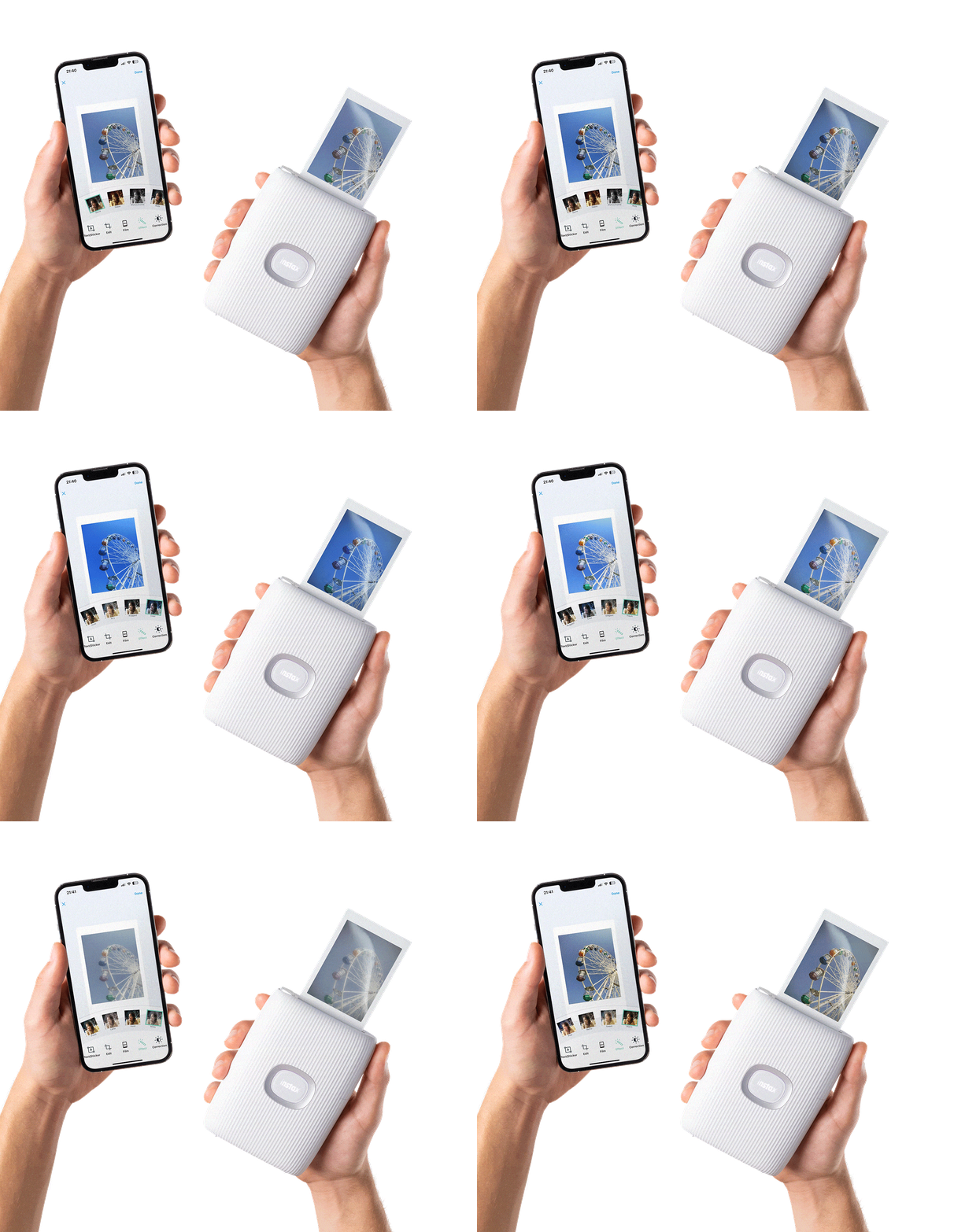
Use the dedicated app to send your favorite photos or video moments from your smartphone and print instantly.
🔁 One-button reprint
Easily reprint your last photo with a simple press of a button.
🪄 AR Print & Editable Print
Customize your photos before printing with creative tools.
🧩 Collages & Frames
Create collages and add frames for extra fun and creativity.
🌐 SNS Share
Share your images easily on social media platforms.
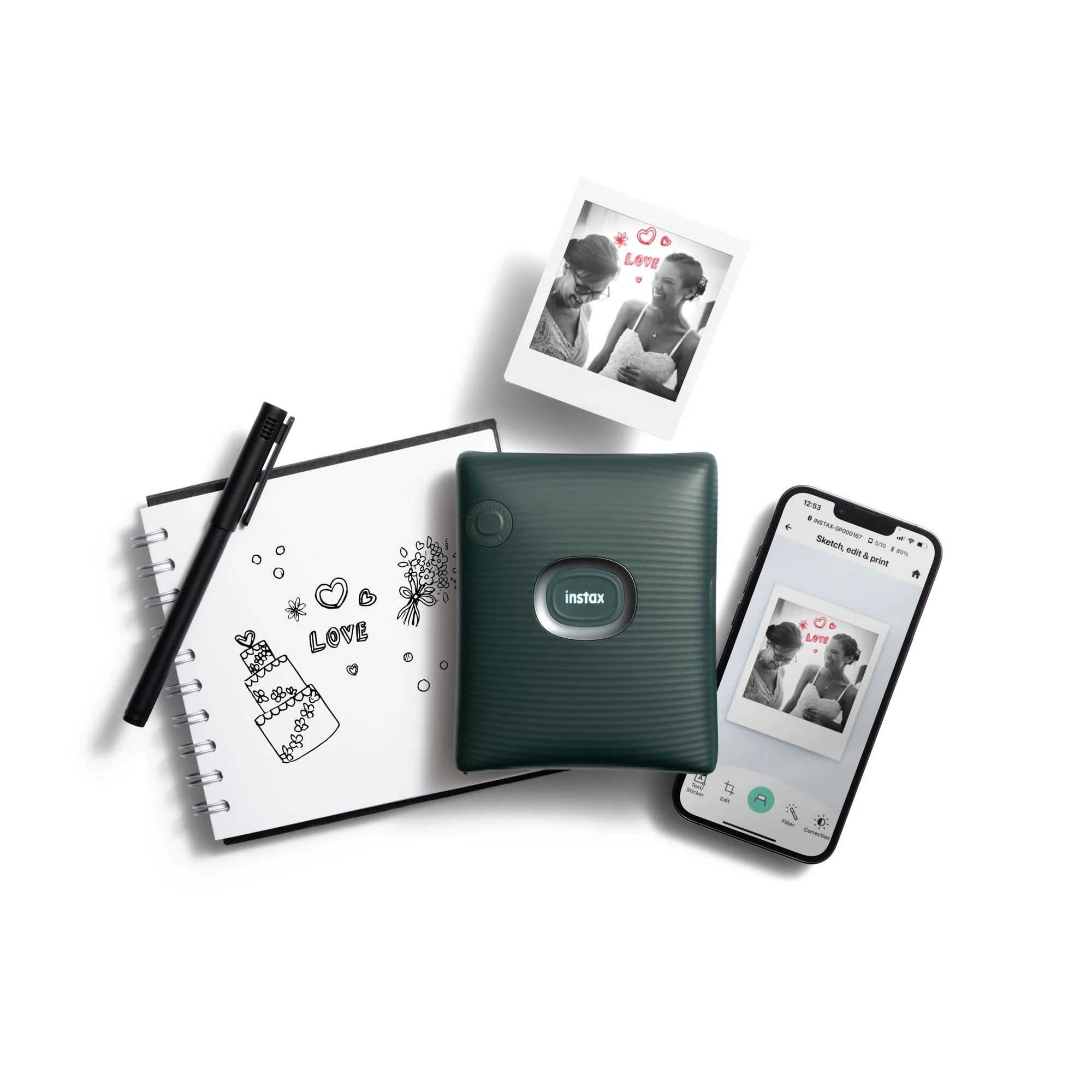
✏️ Sketch, Edit & Print
Import and add your own sketches or text to your photos, then print them instantly.


Pocket friendly design
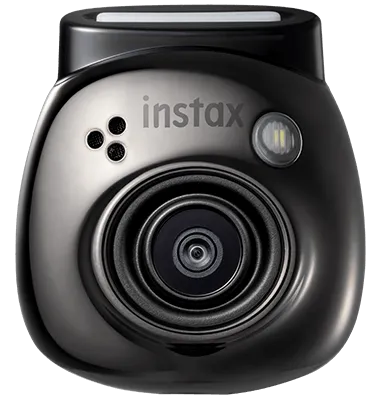
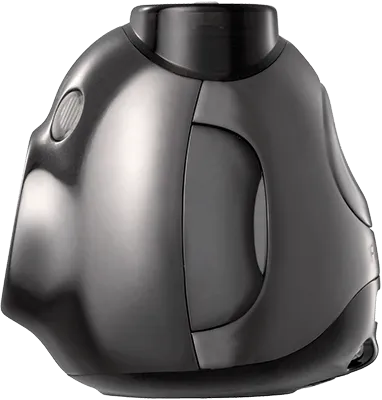
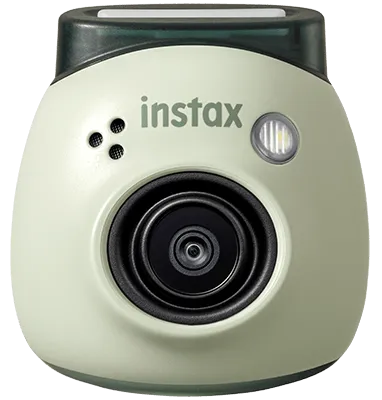
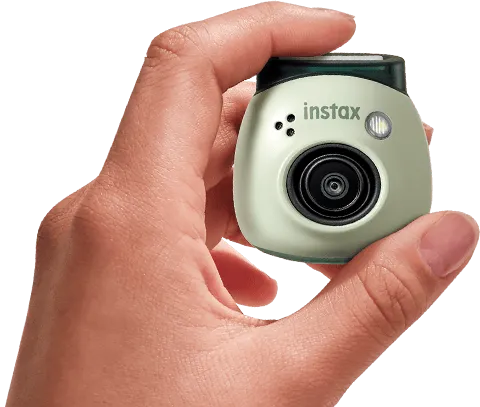
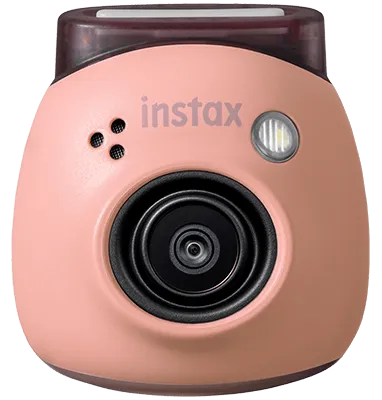
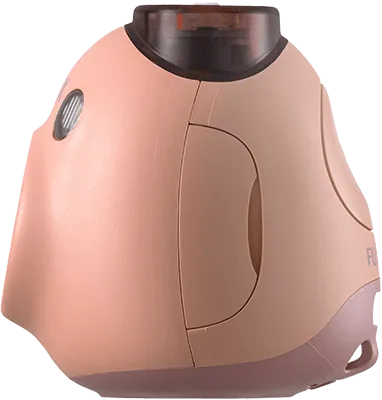
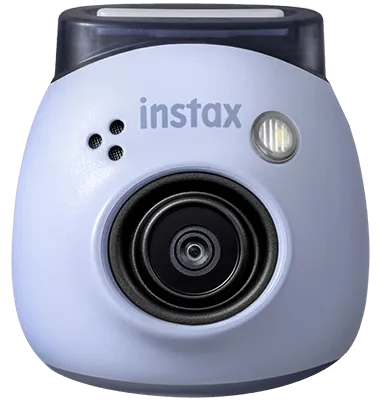
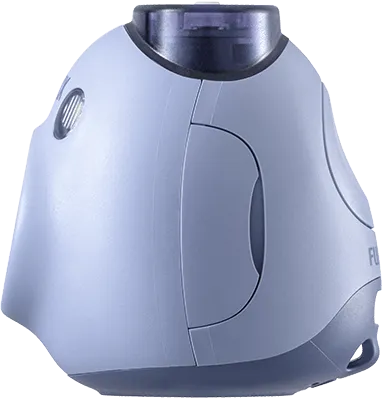
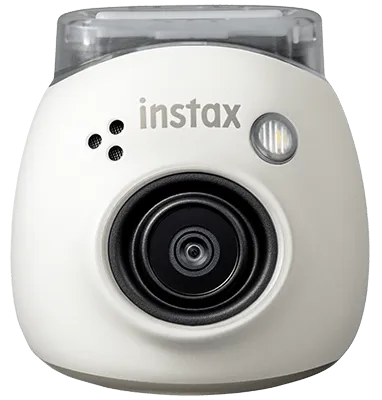
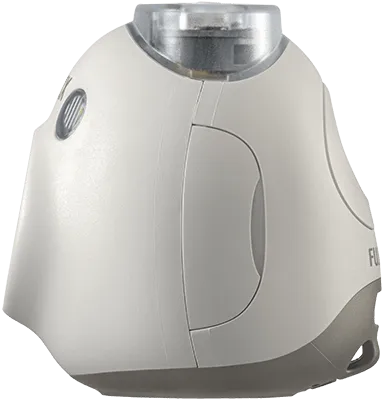
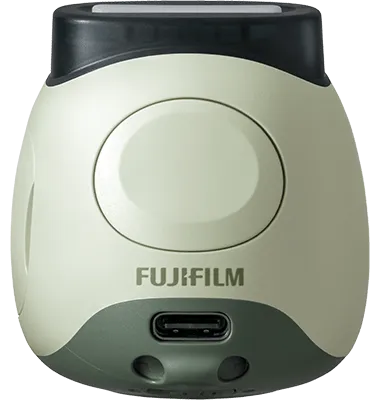
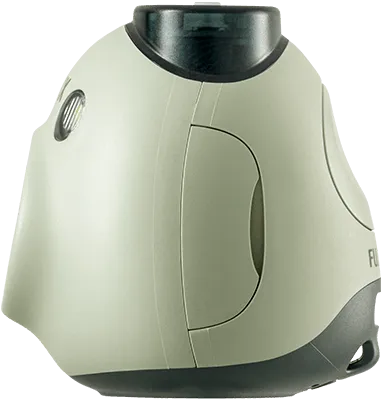
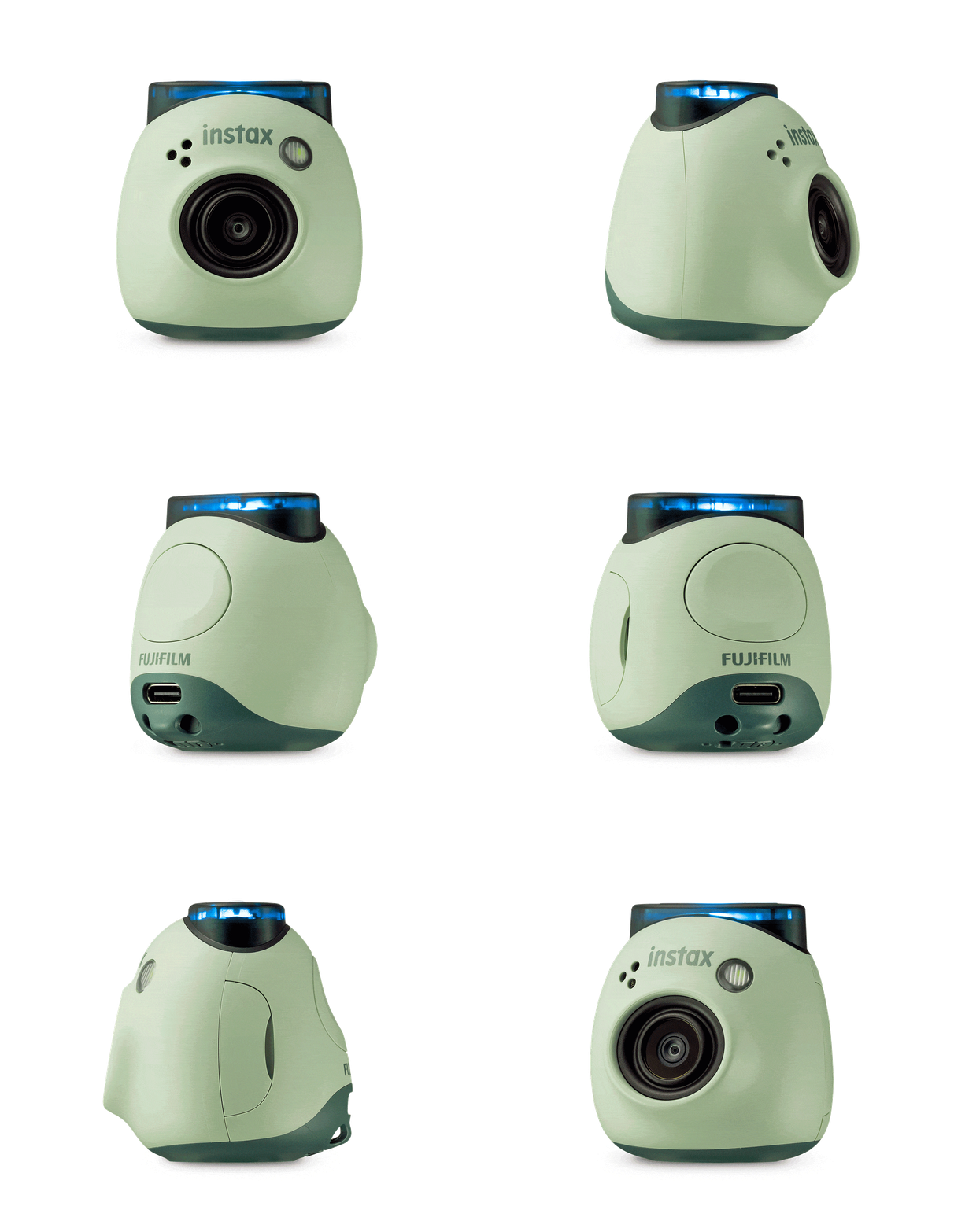
I’m golf ball-size*, so you can easily take me on the go. Plus, I can accept your MicroSD card (sold separately). And my coolest accessory? My included multi-use, detachable ring.
*INSTAX PAL™ is small, but intended for ages 13+
Smile!
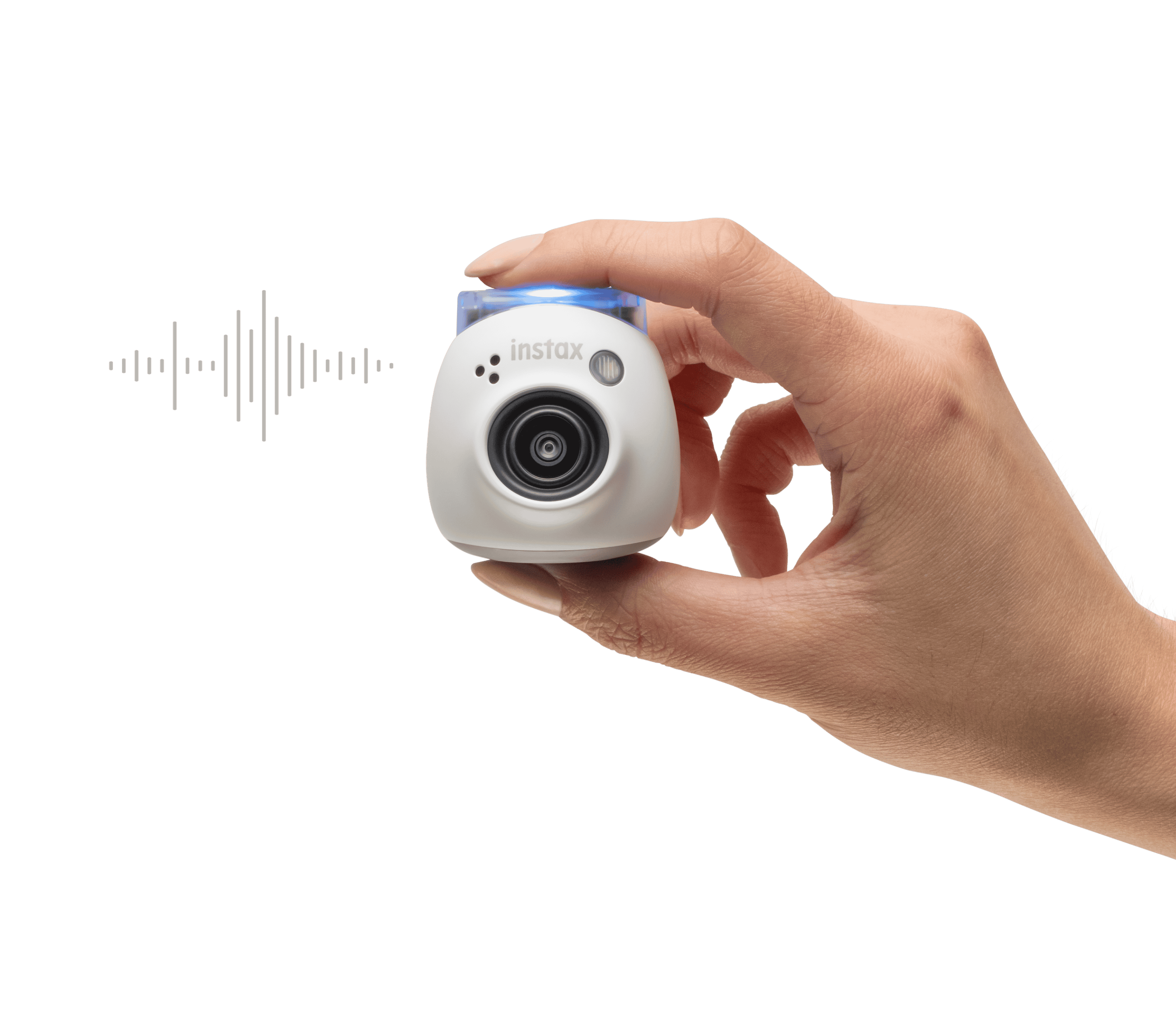
Let’s make some noise! You can record pre-shutter phrases via my free, downloadable INSTAX PAL™ Smartphone App, and I’ll remember a set of five phrases, to randomly play whenever you hit my shutter button to snap a shot.
Never miss a beat
Using the INSTAX PAL™ Smartphone App, I can snap fast-paced digital INSTAX images in sequences of 3, 6, 11 or 21, so you can take ‘in the moment’ shots without missing a beat.

The big reveal
Eager to see how your pics came out? I know I am! Transfer them to the downloaded INSTAX PAL™ Smartphone App via Bluetooth* and then check them out – adding filters, text and stickers, and choose your INSTAX photo format – MINI, SQUARE or WIDE.
Once 50 photos have been taken, image transfer to the INSTAX PAL™ App is required.
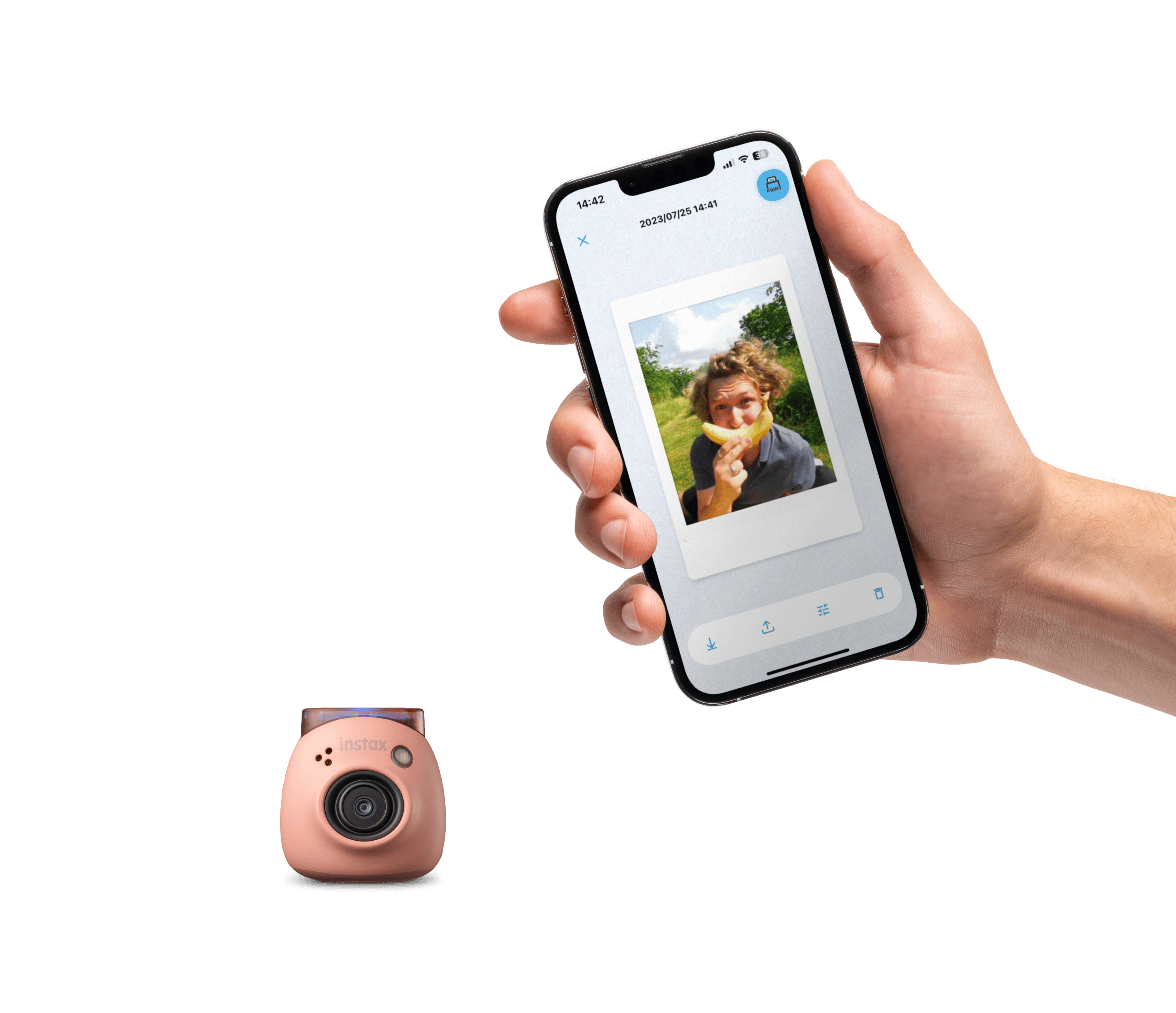
instax® Animation
Let's move
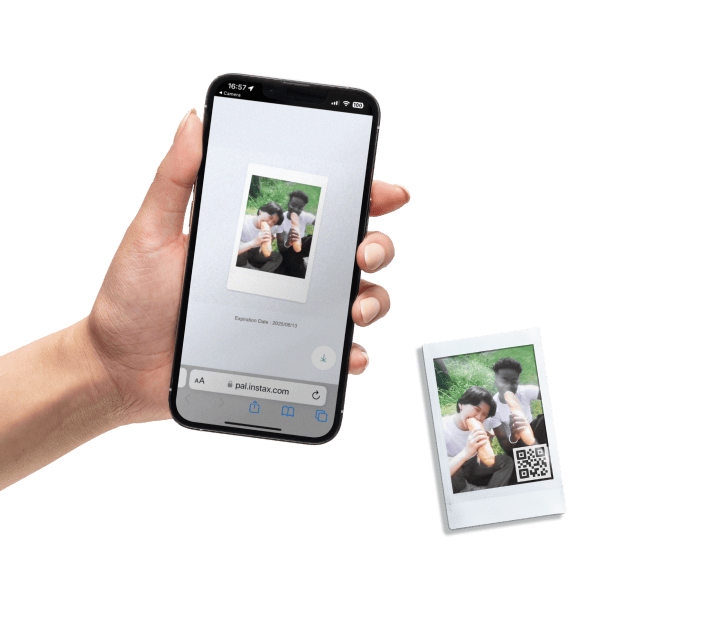
Check out the “Gift inbox” section in my Smartphone App to turn sequenced, Interval Shooting images into an animation or create new animations from the in-App gallery. My Animation feature is perfect for viewing in-App, or for printing with a scannable QR code to reveal your creation.
Remote Shooting
Stand back...
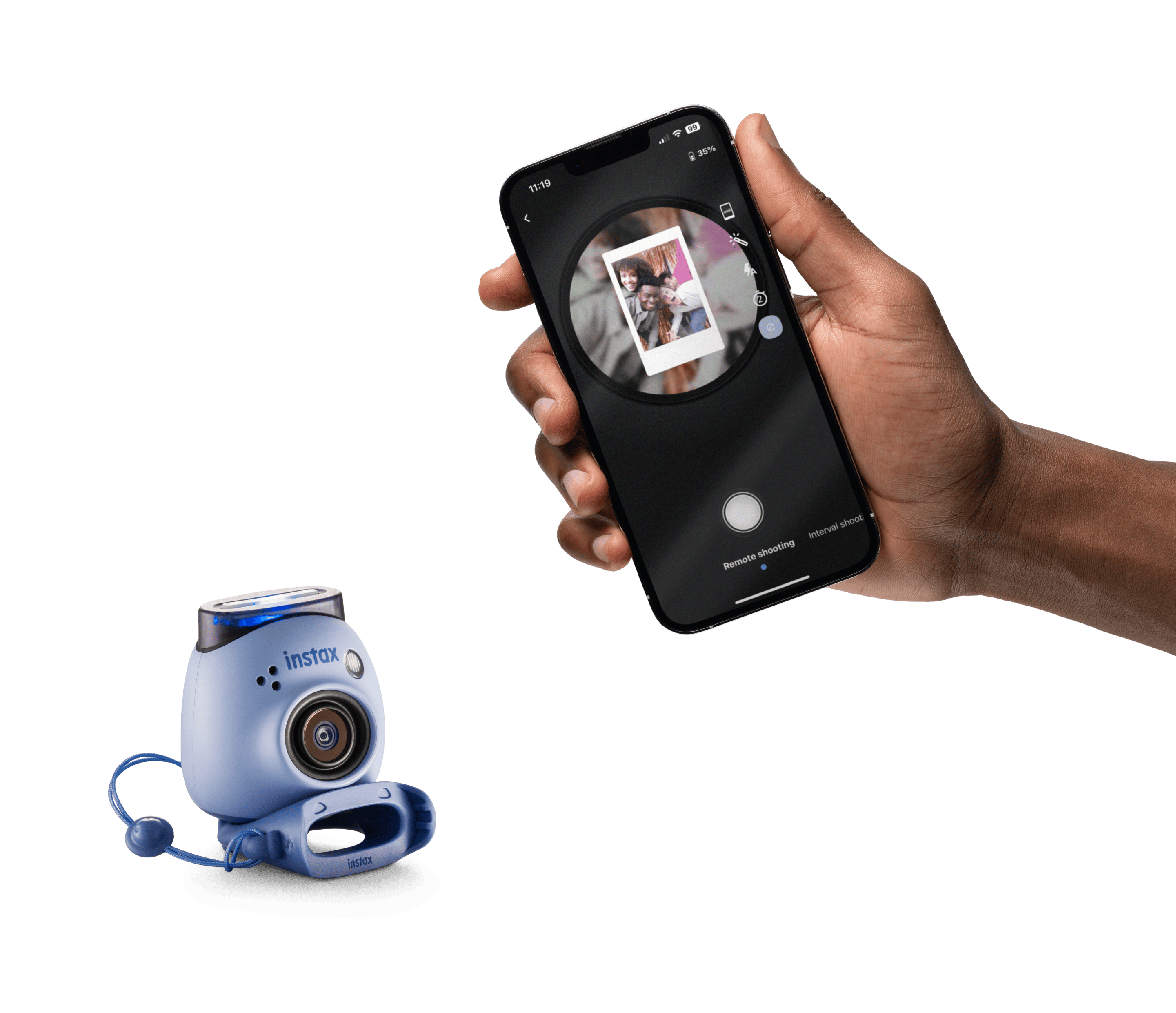
Get a live view of the upcoming shot, customize your image with filters, set a self-timer, and even turn the flash on or off with the INSTAX PAL™ App. Go on, strike a pose.
Filters
Change up your look!
My INSTAX PAL™ Smartphone App comes with 18 filters to help you get the look you want on your transferred images. Each one can be selected in Remote Shooting, Interval Shooting or via the in-App photo editing area. And if a filter is set in Remote Shooting, I’ll remember it for standard shooting, too. Thank me later…
Original: $159.73
-65%$159.73
$55.91Product Information
Product Information
Shipping & Returns
Shipping & Returns
Description
Fujifilm Instax Square Link Smartphone Printer (Green) + Instax Mini Pal Camera (Green) Gift🎁
✨ Key Features :
🎨 Personalize your prints with AR effects
Add fun and creative AR effects to make every print unique.
⚡ Easy, speedy printing
Fast and smooth printing whenever inspiration strikes.
💌 Enjoy prints with messages, even from far away
Send and receive photos with messages no matter the distance.
📲 Easy & Continuous High-Speed Printing
Use the dedicated app to send your favorite photos or video moments from your smartphone and print instantly.
🔁 One-button reprint
Easily reprint your last photo with a simple press of a button.
🪄 AR Print & Editable Print
Customize your photos before printing with creative tools.
🧩 Collages & Frames
Create collages and add frames for extra fun and creativity.
🌐 SNS Share
Share your images easily on social media platforms.
✏️ Sketch, Edit & Print
Import and add your own sketches or text to your photos, then print them instantly.
Pocket friendly design
I’m golf ball-size*, so you can easily take me on the go. Plus, I can accept your MicroSD card (sold separately). And my coolest accessory? My included multi-use, detachable ring.
*INSTAX PAL™ is small, but intended for ages 13+
Smile!
Let’s make some noise! You can record pre-shutter phrases via my free, downloadable INSTAX PAL™ Smartphone App, and I’ll remember a set of five phrases, to randomly play whenever you hit my shutter button to snap a shot.
Never miss a beat
Using the INSTAX PAL™ Smartphone App, I can snap fast-paced digital INSTAX images in sequences of 3, 6, 11 or 21, so you can take ‘in the moment’ shots without missing a beat.
The big reveal
Eager to see how your pics came out? I know I am! Transfer them to the downloaded INSTAX PAL™ Smartphone App via Bluetooth* and then check them out – adding filters, text and stickers, and choose your INSTAX photo format – MINI, SQUARE or WIDE.
Once 50 photos have been taken, image transfer to the INSTAX PAL™ App is required.
instax® Animation
Let's move
Check out the “Gift inbox” section in my Smartphone App to turn sequenced, Interval Shooting images into an animation or create new animations from the in-App gallery. My Animation feature is perfect for viewing in-App, or for printing with a scannable QR code to reveal your creation.
Remote Shooting
Stand back...
Get a live view of the upcoming shot, customize your image with filters, set a self-timer, and even turn the flash on or off with the INSTAX PAL™ App. Go on, strike a pose.
Filters
Change up your look!
My INSTAX PAL™ Smartphone App comes with 18 filters to help you get the look you want on your transferred images. Each one can be selected in Remote Shooting, Interval Shooting or via the in-App photo editing area. And if a filter is set in Remote Shooting, I’ll remember it for standard shooting, too. Thank me later…